
Quick Summary & Key Takeaways
- Housecall Pro is built mobile-first for field crews and advertises lower card rates (from 2.59%), but its Essentials tier is the real starting point for anyone with a second tech or QuickBooks.
- Jobber has the cheaper entry price and a simpler plan ladder, but extra users cost $29 each and QuickBooks sync starts on the Connect plan.
- On payment fees the gap is small: roughly $30 per $10,000 in card volume, so decide on workflow before you decide on processing.
- Run both free trials against one real week of jobs. Dispatch feel and tech adoption matter more than any feature checklist.
Free Interactive Companion Tool
Test inputs and calculate figures directly with our in-browser tool
Housecall Pro vs Jobber (2026): Which Field Service App Wins?
Housecall Pro and Jobber both promise to move a small service crew off paper and into one app, so the real question is which one your techs will open every morning. The differences show up in dispatching simplicity, how quickly field staff adopt the mobile app, and how much each platform takes from every card payment.
This comparison draws on published 2026 pricing pages, contractor forum feedback, and third-party review data checked in November 2026. It is aimed at service businesses running one to five trucks, where a $50 monthly gap or a few tenths of a percent in processing fees noticeably changes your margin.
Housecall Pro vs Jobber at a Glance
Prices below are list prices from published pricing pages and recent reviews, checked in November 2026. Review sites disagree on a few details (especially included user counts), so treat the table as a starting point and confirm on each vendor's pricing page before you buy.
| Feature | Housecall Pro | Jobber |
|---|---|---|
| Entry plan (month to month) | Basic: $79/mo, 1 user | Core: $49/mo, 1 user |
| Entry plan (annual billing) | $59/mo | $29/mo |
| Mid plan (month to month) | Essentials: $189/mo, up to 5 users | Connect: $139/mo |
| Mid plan (annual billing) | $149/mo | $99/mo |
| Top plan most small crews consider | MAX: $329/mo ($299 annual), up to 8 users | Grow: $199/mo ($149 annual) |
| Extra users | About $35/user/mo on MAX | $29/user/mo on every plan |
| Credit card fee | From 2.59%, reported up to about 2.99% depending on method and plan | 2.9% + $0.30 (Tap to Pay 2.7% + $0.30) |
| Bank (ACH) fee | 1% | 1% |
| Online booking | Listed with Essentials and above | Listed with Connect and above |
| QuickBooks Online sync | Essentials and above | Connect and above |
| Mobile offline use | Confirm during trial | Offline mode added in January 2026 (job forms, visit details, time tracking) |
| Free trial | 14 days, full MAX access, no card | 14 days, no card |
Dispatch, Scheduling, and Route Density
Most side-by-side reviews call these two near-identical, and on surface feature checklists they are close. For contractors comparing enterprise platforms against lighter options, our Jobber vs ServiceTitan benchmark breaks down fleet dispatch dynamics. In daily operations, dispatch mechanics dictate how quickly your office reassigns calls when an emergency job lands mid-morning.
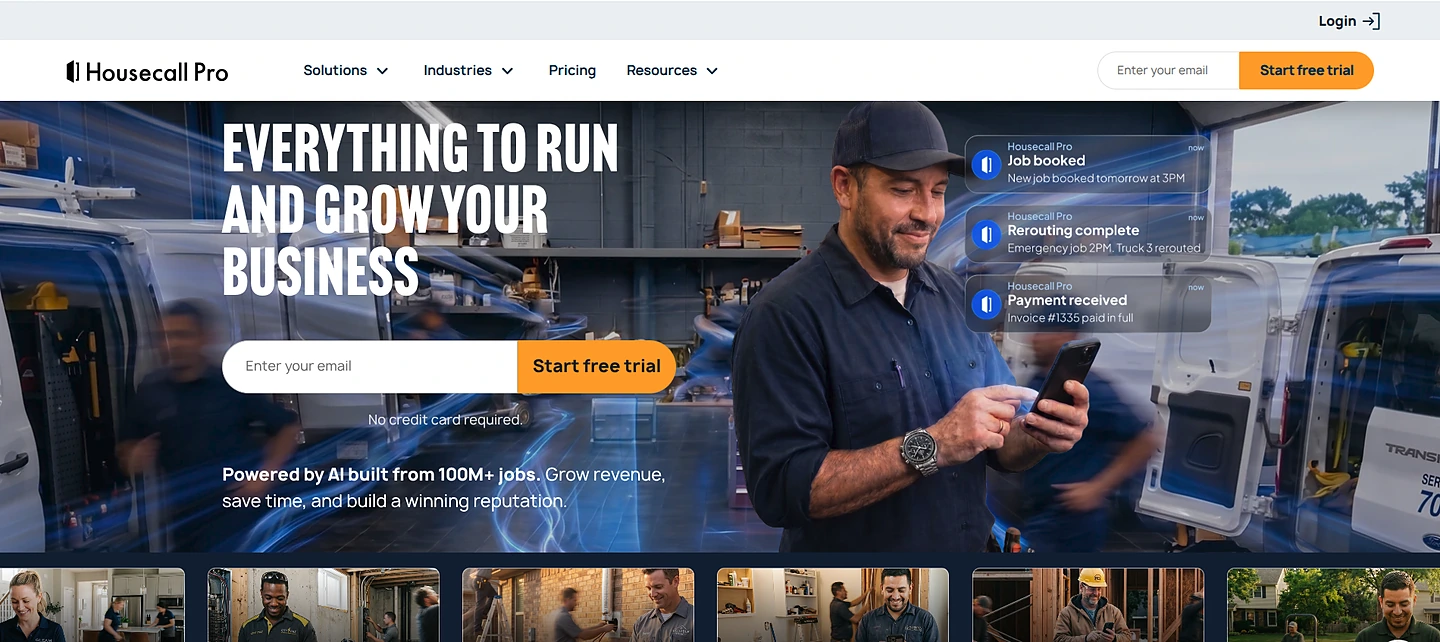
Housecall Pro lists real-time dispatching across its plans and adds route management on Essentials, along with employee GPS tracking. Its mobile interface gives dispatchers a live map view with color-coded job statuses, helping office managers route the closest technician without phone tag.
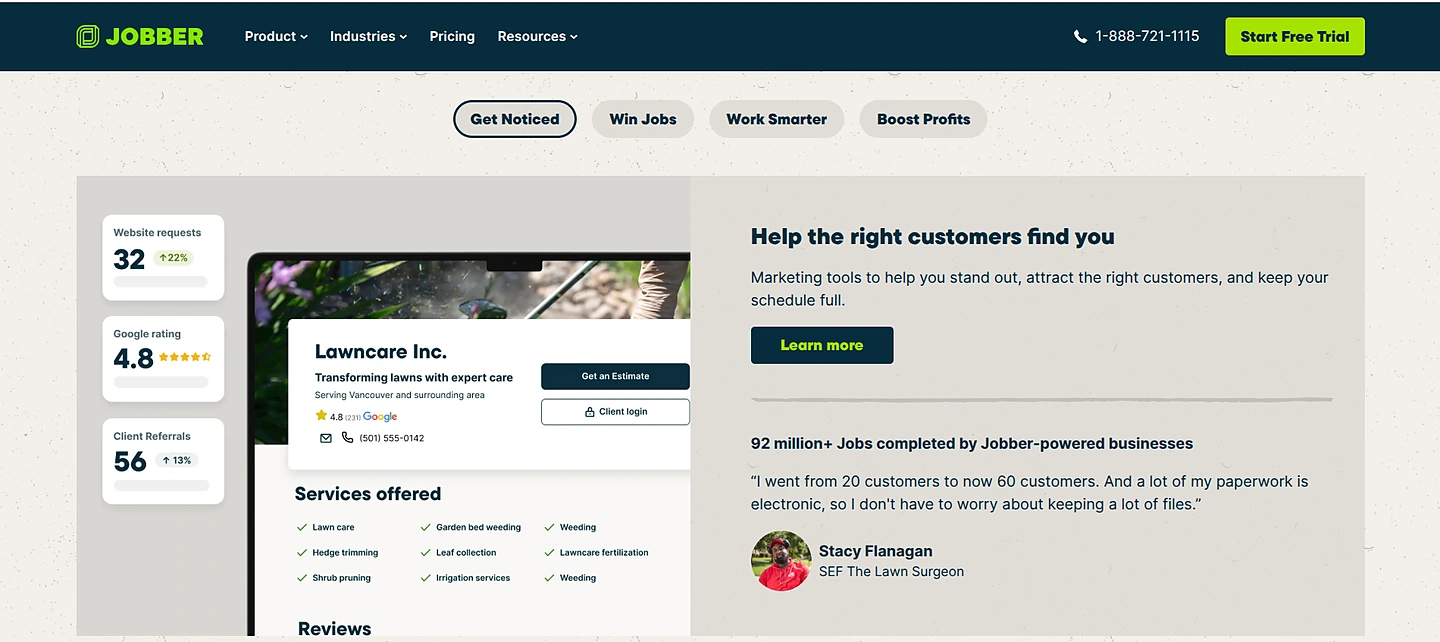
Jobber focuses heavily on calendar simplicity. Its drag-and-drop schedule is clean and uncluttered, and contractors often cite that visual clarity as the main reason non-technical technicians adopt it without friction. GPS tracking and route optimization sit on higher tiers, making it important to verify your plan limits before expecting automated routing.
Route tools are where tier gating matters most. A service company that stacks six to eight stops per truck per day (such as lawn maintenance or residential window cleaning) benefits far more from automated route density than a repair shop doing two larger HVAC calls. Load one real week of appointments into each trial, reschedule a job while a tech is marked in transit, and count how many taps it takes to update the schedule.
Online Customer Booking and Lead Intake
Both apps provide embeddable booking widgets for contractor websites and social channels, and both gate the capability behind a mid-tier plan. Housecall Pro includes online booking on Essentials ($149/mo annually), while Jobber includes it starting on Connect ($99/mo annually). Solo operators on base plans must upgrade to take advantage of web booking.
The real test is lead conversion after a homeowner clicks. Housecall Pro routes web requests directly into scheduled slots or pending estimates, prompting customers for job details and preferred arrival windows. Jobber allows customers to request appointments or book fixed time slots through its client hub, generating instant confirmation notifications.
If most of your service inquiries arrive via phone calls that an office manager logs manually, online booking should not dictate your software choice. If you want to capture evening emergency calls and weekend requests while crews are offline, test both booking forms on a mobile device and pick the one that asks fewer tedious questions.
Quote-to-Invoice Automation and Price Books
Both platforms let technicians build an estimate on a smartphone, capture digital customer approval on site, convert the quote to an active job, and send an invoice with payment links. Where they diverge is how easily they handle multi-option sales.
Housecall Pro includes flat-rate pricing, digital price books, and proposal templates on Essentials. This structure is tailored for residential HVAC, plumbing, and electrical contractors who present homeowners with good, better, and best options. Technicians can toggle premium fixtures, system replacements, and routine repairs side by side on a tablet.
Jobber handles quotes cleanly with optional line items, required deposits, and e-signatures by text or email. However, it lacks a native flat-rate price book, meaning technicians must assemble tiered choices manually or build custom templates. Jobber offsets this with strong quote follow-up automation, prompting clients to approve pending bids before leads go cold.
Payment Processing Fees: Credit Card vs ACH Realities
Credit card processing fees can quietly surpass the cost of your software subscription over a busy summer. Housecall Pro advertises card processing starting at 2.59%, with actual rates varying up to 2.99% based on card type, keyed-in versus swiped transactions, and plan level. Jobber lists card payments at 2.9% plus $0.30, with a discounted 2.7% plus $0.30 rate for contactless Tap to Pay.
Here is how the numbers play out on $10,000 in monthly card volume:
- Housecall Pro at 2.59% costs approximately $259 in processing fees.
- Jobber at 2.9% plus $0.30 costs roughly $290 across 30 transactions, totaling about $299.
- The monthly spread is approximately $30 to $40, or around $400 over a full year.
While $400 annually is meaningful, the bigger financial gain comes from routing large repair bills through bank ACH transfers. Both Housecall Pro and Jobber charge approximately 1% for bank payments. On a $3,500 water heater replacement or furnace repair, card processing drains nearly $100, while ACH costs $35. Whichever platform you choose, setting bank transfer as the default payment method on large quotes protects your margins.
Mobile App Performance and Technician Adoption
Technician buy-in is where software rollouts either succeed or collapse. If your field staff find an app confusing, they will skip logging materials, fail to take jobsite progress photos, and revert to paper work orders.
Housecall Pro is built mobile-first. The app is optimized for field technicians on personal smartphones, integrating GPS turn-by-turn routing, customer text notifications ("on my way"), and point-of-sale signature capture into a fluid workflow.
Jobber's mobile app is widely praised for its gentle learning curve. Technicians with limited technical experience can view their day, clock in and out, attach before-and-after photos, and collect payment without extensive office training. Jobber also introduced offline mobile functionality in January 2026, allowing crews working in basements, rural sites, or weak-signal areas to fill job forms and log hours without data dropouts.
Real Cost for 1 to 5 Trucks and Honest Drawbacks
Neither software is without operational friction. Understanding where each platform creates hidden costs protects your budget as your truck count expands.
Housecall Pro's primary drawback is add-on fee creep. Advanced reporting, consumer financing modules, and custom SMS packages often require paid add-ons that push a three-truck shop into several hundred dollars a month. Several contractor reviews also highlight rigid cancellation policies on annual agreements, making it critical to review contract terms before locking in.
Jobber's primary limitation is per-user seat scaling. While its base plans start lower, adding users costs $29 per seat per month. A five-technician shop needing QuickBooks sync and job costing lands on Grow ($199/mo) plus extra user fees, pushing monthly overhead past $250 before payment processing. If neither platform fits your trade setup, review our vetted ServiceTitan alternatives or the broader benchmark of field service management software for small business.
Before committing your fleet, test your typical service ticket pricing through our markup and margin calculator to confirm that software and transaction overhead remain below two percent of gross revenue.
Verdict: When to Choose Each Platform
The table below outlines the ideal fit based on your daily trade demands, technician comfort with mobile tools, and accounting requirements.
| Your Situation | Recommended App | Deciding Factor |
|---|---|---|
| Solo operator or new startup watching software overhead | Jobber | Lower entry pricing ($49/mo monthly, $29/mo annual) and straightforward plan tiers |
| Residential trades selling good-better-best options (HVAC, plumbing) | Housecall Pro | Native flat-rate price books and visual multi-tier proposals included on Essentials |
| Field crews with limited smartphone experience | Jobber | Clean, intuitive calendar interface with faster new-hire onboarding |
| Companies requiring live GPS tracking and route density | Housecall Pro | GPS technician tracking and route management included in Essentials |
| High-volume credit card operations | Housecall Pro | Published card processing floor starts lower at 2.59% |
| Teams planning rapid technician hiring | Housecall Pro | MAX plan covers up to 8 users before per-seat add-on fees apply |
| Crews operating in rural areas with weak cellular coverage | Jobber | Offline mode handles job forms, visit details, and time tracking without connection |
| QuickBooks Online synchronization on a lean budget | Jobber | QBO sync unlocks at Connect ($139/mo monthly, $99/mo annual) |