
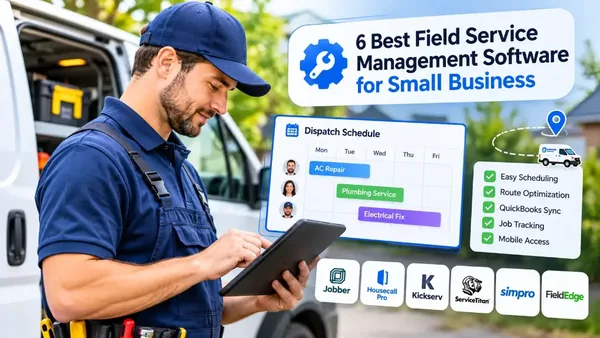
Quick Summary & Key Takeaways
- Jobber and Housecall Pro provide the most accessible entry points for small 1 to 5 van residential trade crews.
- Kickserv offers an affordable starting tier for basic job scheduling, but lacks advanced route optimization and custom pricebooks.
- ServiceTitan is the undisputed giant for enterprise multi-truck contractors, but requires custom ACV quotes and substantial onboarding setup.
- Simpro and FieldEdge deliver strong job costing and inventory controls tailored specifically to commercial MEP contractors.
Free Interactive Companion Tool
Test inputs and calculate figures directly with our in-browser tool
6 Best Field Service Management Software for Small Business (2026)
A technician drives to the wrong address because the job note lived on a sticky pad. An invoice sits in a van for three days, so the deposit lands a week after the work. A dispatcher texts a crew lead to ask who is closest to an emergency call. Each of these is a small leak, and together they cost a trade business real money every month.
The price on a software page rarely tells the full story. Per-technician licensing, QuickBooks sync tiers, merchant processing rates, implementation fees, and add-on modules all change the bill. This guide is 100% research-based, built from vendor pricing, review sites, and pricing trackers. It is not hands-on testing, and we did not install any of these tools.
Quick Comparison: 6 Field Service Platforms at a Glance
Data checked November 2026. Prices are US dollars. Where a vendor does not publish prices, the figure shown is a reported estimate and is labeled as such.
| Platform | Target Trade | 2026 Pricing Floor | Mobile Dispatch Engine | QuickBooks Integration | Main Tradeoff |
|---|---|---|---|---|---|
| Jobber | Residential and light commercial, 1 to 15 users | $49 monthly, or $29 on annual billing, for 1 user | Drag and drop scheduling, route optimization, GPS check-ins, job forms | QuickBooks Online on Connect and above; sync reported as one-way | QuickBooks depth and offline editing draw complaints |
| Housecall Pro | Residential HVAC, plumbing, electrical, 1 to 8 users | $79 monthly, or $59 annual, for 1 user (Basic) | Real-time dispatch board, employee GPS tracking on Essentials | Two-way sync for Online and Desktop on Essentials and above | Extra seats and add-ons raise the bill; Android app complaints |
| Kickserv | Small crews that want low monthly cost | $60 per month (Start) | Dispatch mapping and GPS check-ins start on Run | QuickBooks Online on Start; Desktop adds about $50 per month | Dated interface and thinner automation |
| ServiceTitan | Multi-truck residential and commercial, mid-size and up | Quote only; reported $245 to $500 per tech per month | Full dispatch board, technician app, optional marketing and phone modules | Integration offered; confirm sync depth in writing | Implementation fees and 12 month contract |
| Simpro | Commercial and project-based electrical, HVAC, plumbing, fire | Quote only; some reviewers report about $250 per user per month | Scheduling, job costing, inventory, mobile app | Accounting integrations offered; confirm QuickBooks coverage with sales | Long onboarding and opaque per-user pricing |
| FieldEdge | Residential and light commercial HVAC and plumbing, 5 to 50 techs | Quote only; reported about $100 per office user plus $125 per tech per month | Dispatch board, flat-rate pricebook, service agreements | Two-way sync for Desktop and Online, widely cited as the deepest | No public pricing and no free trial reported |
How We Researched Field Service Platforms
We reviewed vendor pricing pages as quoted by pricing trackers dated June through November 2026, plus listings and reviews on Capterra, G2, and Software Advice. Every price in this article was cross-checked across at least two sources. When sources disagreed, we show the range and say so rather than pick a favorite.
We scored each platform on five criteria: published pricing, dispatch and mobile features, QuickBooks sync depth, total cost for a solo van and a five-tech crew, and how far the tool scales before the bill jumps. Ratings and complaints come from reviewers, not from our own use of the software.
One caution applies to every number below. Vendors change plans often, and several trackers disagree on add-on and extra-seat pricing. Treat the figures as a budgeting guide and confirm the final quote on the vendor page before you sign.
If you are repricing jobs to cover a new software bill, the markup and margin calculator shows how much a monthly subscription moves your required job margin.
The 6 Best Field Service Management Software Options for Small Business
1. Jobber
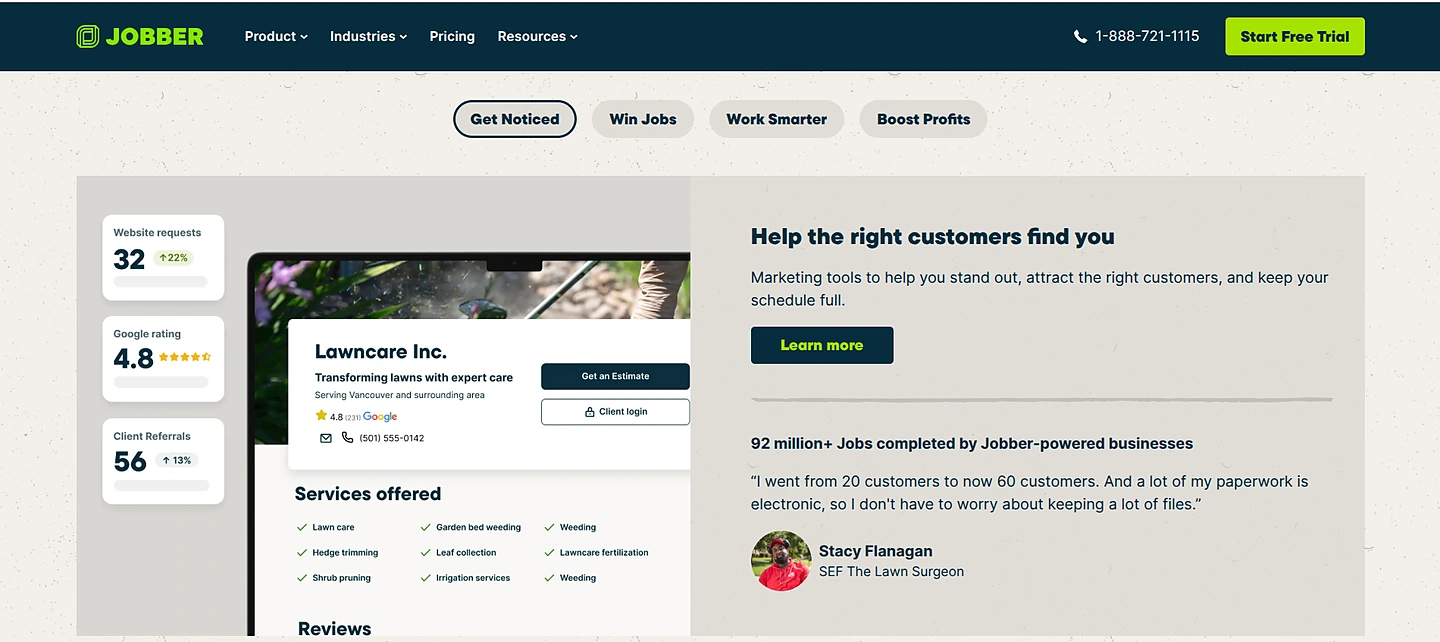
Jobber is where most solo operators and two-van crews start, largely because pricing is published and tied to team size. Reviewers on G2 rate it around 4.6 out of 5 across roughly 500 reviews, and the mobile app earns higher reliability marks than most peers.
It is a small-business tool first, not a call-center dispatch system. If your office needs to juggle a dozen emergency calls at once, you will feel the ceiling. Crews that outgrow entry-level scheduling tiers often evaluate dedicated Jobber alternatives to compare route density and price structures.
- Where it stands out: Published plans with user caps (5 users on Connect, 10 on Grow), a mobile app that reviewers call reliable, and route optimization reported on its plans.
- The real catch: QuickBooks sync is limited to QuickBooks Online and is described as one-way by several reviewers. Offline mode reports conflict: one reviewer says it arrived in January 2026, while another says offline cannot edit existing records or capture signatures.
- Pick it if: You run 1 to 10 people, use QuickBooks Online, and want a tool the crew can learn fast.
- Verified pricing (November 2026): Core $49 monthly or $29 annual (1 user). Connect $139 monthly or $99 annual (5 users). Grow $199 monthly or $149 annual (10 users). Plus is tracked anywhere from $399 to $699 depending on billing and tracker, so request a quote. Extra users run $29 per month. Card processing is 2.9% plus 30 cents, ACH is 1%. A 14 day trial is available.
2. Housecall Pro
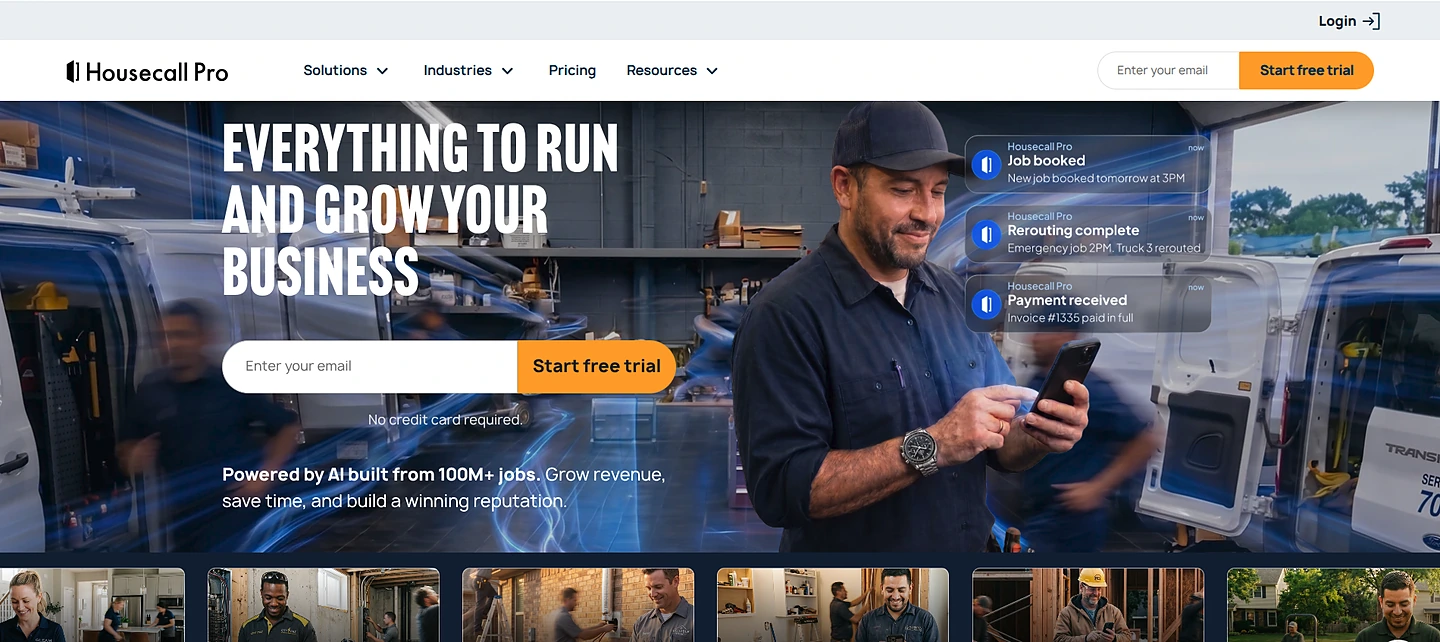
Housecall Pro is built around residential service and consumer-facing touches such as online booking, two-way texting, and review requests. Capterra shows roughly 2,700 reviews with a rating near 4.7, which puts it among the most reviewed tools in this guide.
For HVAC and plumbing shops that need real QuickBooks sync, it is often the first plan to clear the bar on price.
- Where it stands out: Two-way QuickBooks sync, including QuickBooks Desktop, from Essentials upward. Employee GPS tracking, flat-rate pricebook support, and an open API on MAX.
- The real catch: Reviewers flag bugs after app updates and a weak Android experience, with a Google Play rating reported near 3.3. GPS refresh is described as every few minutes, not live. Add-on costs are the most common pricing complaint. Offline use is reported as view-only in several comparisons.
- Pick it if: You run a residential HVAC, plumbing, or electrical crew of 2 to 8 people on iPhones and want two-way QuickBooks sync.
- Verified pricing (November 2026): Basic $79 monthly or $59 annual (1 user). Essentials $189 monthly or $149 annual (up to 5 users, adds QuickBooks and GPS tracking). MAX $329 monthly or $299 annual (up to 8 users, adds advanced reporting and onboarding). Extra seat pricing conflicts: some trackers list $35 per user on MAX, others report $75 on MAX and $100 on Essentials. Card processing is reported at 2.59%, ACH at 1%. A 14 day trial is available.
3. Kickserv
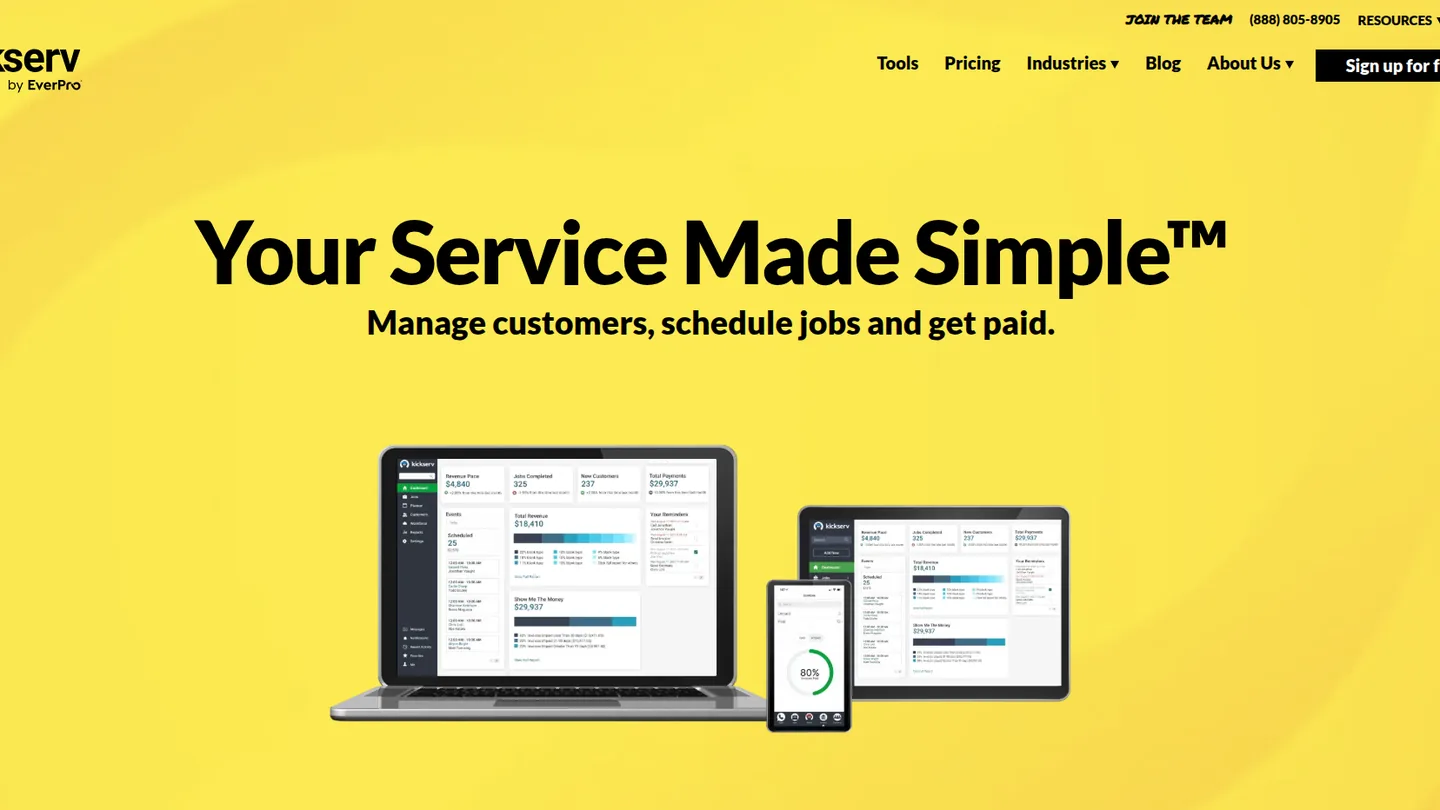
Kickserv sits below Jobber and Housecall Pro on price and polish. It covers scheduling, estimates, invoicing, and a customer portal, and reviewers note that the QuickBooks connection works for basic bookkeeping flows. The interface looks older than its rivals, and automation is thinner.
That tradeoff suits a three-person crew that wants basics for under $100 per month.
- Where it stands out: Low entry cost, QuickBooks Online included from the first paid tier, and dispatch mapping with GPS check-ins on the Run plan.
- The real catch: QuickBooks Desktop sync costs about $50 extra per month. Reviewers describe a dated interface and a weaker mobile app than competitors. Tracker data is inconsistent on whether higher tiers are priced per user, so confirm that before budgeting a crew.
- Pick it if: You are watching every dollar, you bill through QuickBooks Online, and you do not need advanced route optimization or custom pricebooks.
- Verified pricing (November 2026): Start $60 per month, Run $119 to $149 per month depending on the tracker, Scale $199 per month. Older listings mention a free tier, but an October 2026 check of the vendor page found only a 30 day trial.
4. ServiceTitan
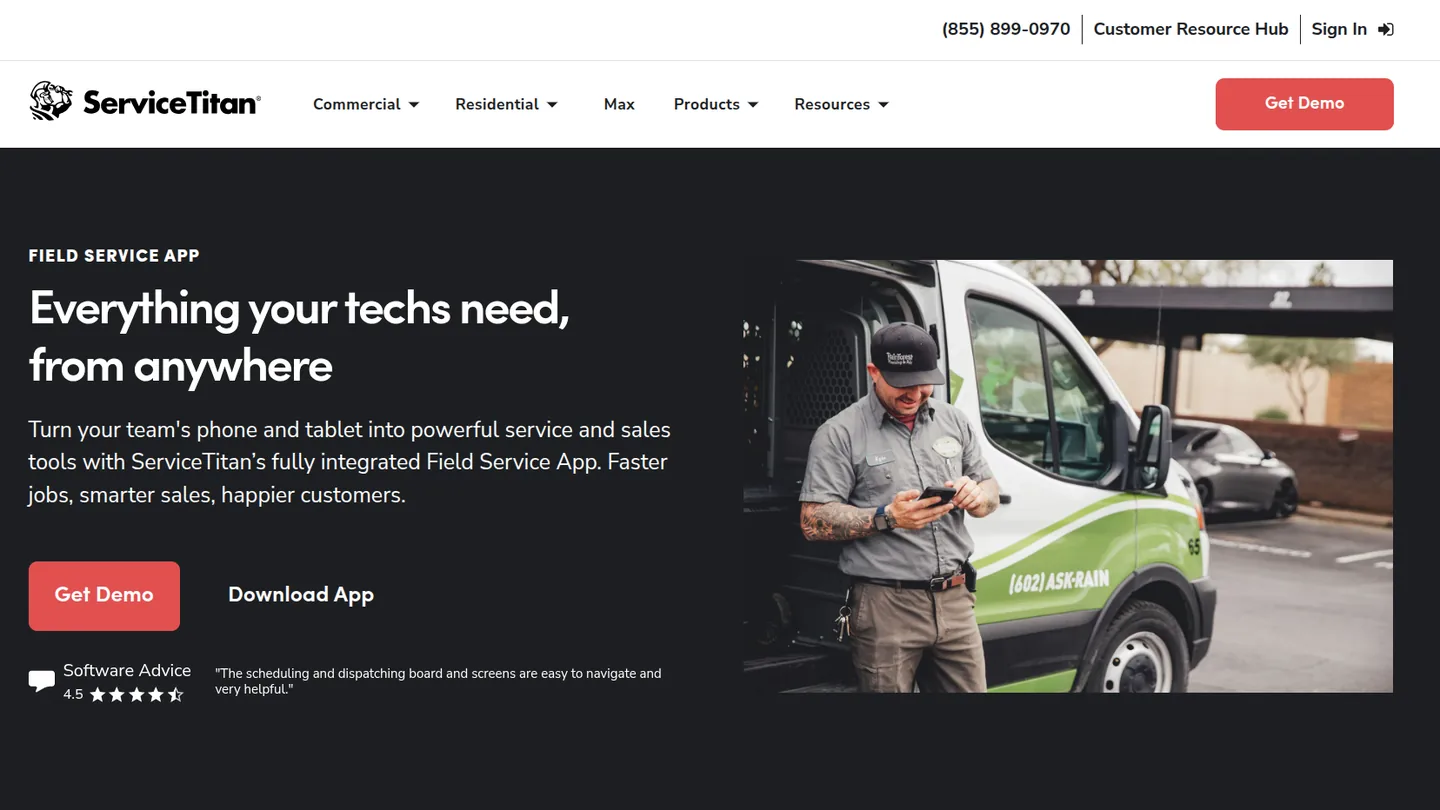
ServiceTitan is the platform contractors graduate to when they run several trucks, a call center, and marketing campaigns from one system. It is also the most expensive and slowest to launch. Pricing is quote-only across three tiers: Starter, Essentials, and The Works.
Many small shops will find the cost hard to justify until they pass roughly 10 to 15 technicians. For a deeper breakdown of how entry-level and enterprise options contrast in dispatch and pricing, our Jobber vs ServiceTitan showdown maps out the full operational differences.
- Where it stands out: Deep dispatch and reporting, a technician app with iOS and Android ratings near 4.6 and 4.3, and optional modules for marketing and phones.
- The real catch: Reported implementation fees run from $5,000 to $50,000, contracts commonly run 12 months, and add-ons such as Marketing Pro are reported at $500 to $1,600 or more per month. One Trustpilot reviewer says billing did not adjust automatically after a technician was removed.
- Pick it if: You operate a residential or commercial company with 10 or more technicians, a dedicated office team, and the budget for a multi-month rollout.
- Verified pricing (November 2026): Not published. Pricing trackers report $245 to $500 per technician per month, with Starter near $245 to $300 and The Works near $400 to $500. Treat these as estimates and get a written quote.
5. Simpro
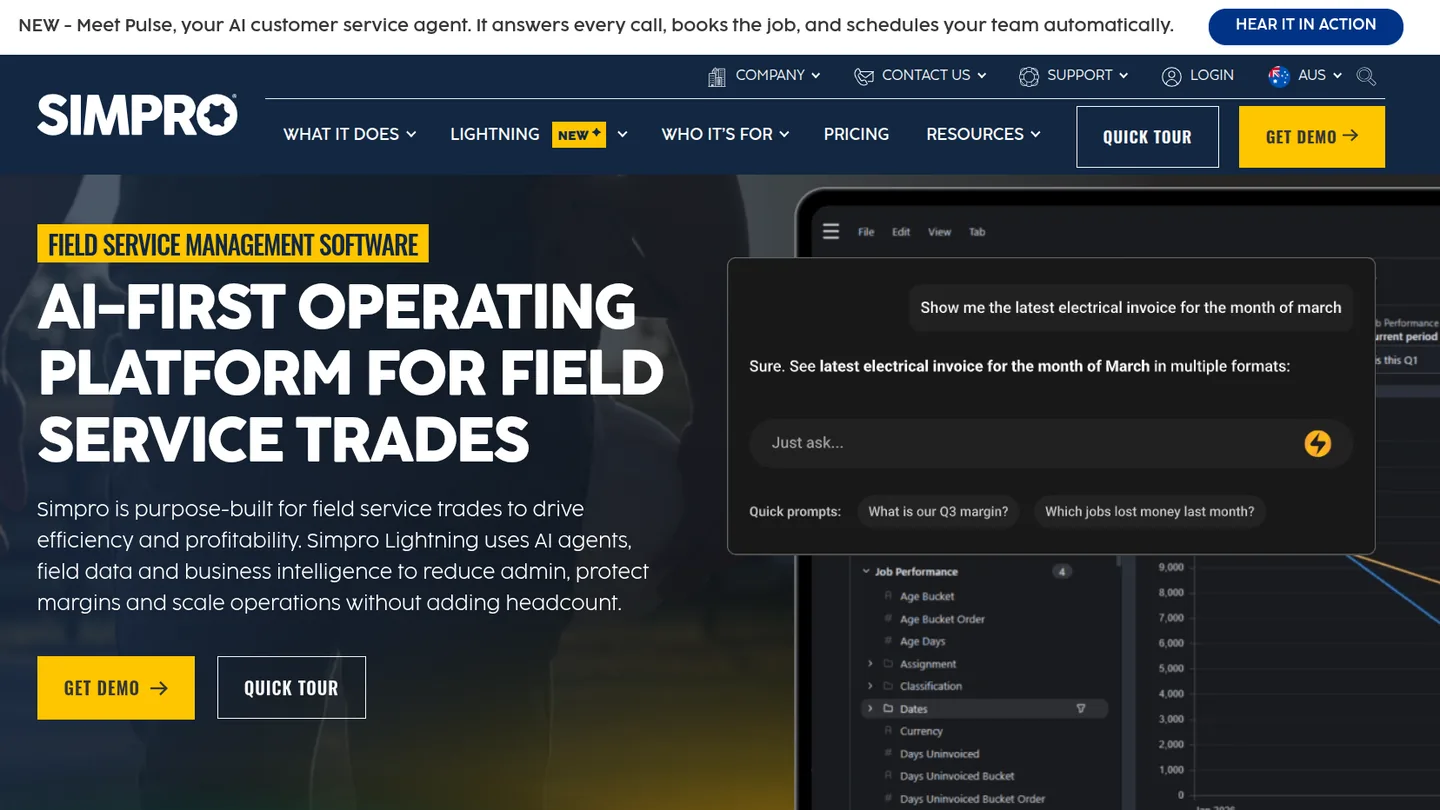
Simpro targets commercial and project-heavy trades: electrical, mechanical, fire and life safety, and security. Its strength is job costing, inventory, and quoting across larger scopes of work. That focus explains why many residential crews find it heavier than they need.
Capterra reviewers split on it. Some praise the depth, while others complain about cost, support, and an older interface.
- Where it stands out: Job costing, inventory, and multi-stage project work for commercial contractors.
- The real catch: Pricing is quote-only, and reviewers report onboarding of two to three months. Some reviewers describe paying around $250 per user licence per month, and one reviewer outside the US described extra charges for mobile app access and training. Minimum team sizes may apply.
- Pick it if: Your work is commercial or project-based, you need job costing and inventory tied to quotes, and you can absorb a longer rollout.
- Verified pricing (November 2026): Not published. Third-party estimates range roughly $150 to $300 or more per user per month. Confirm QuickBooks coverage and any separate mobile app fees in your quote.
6. FieldEdge
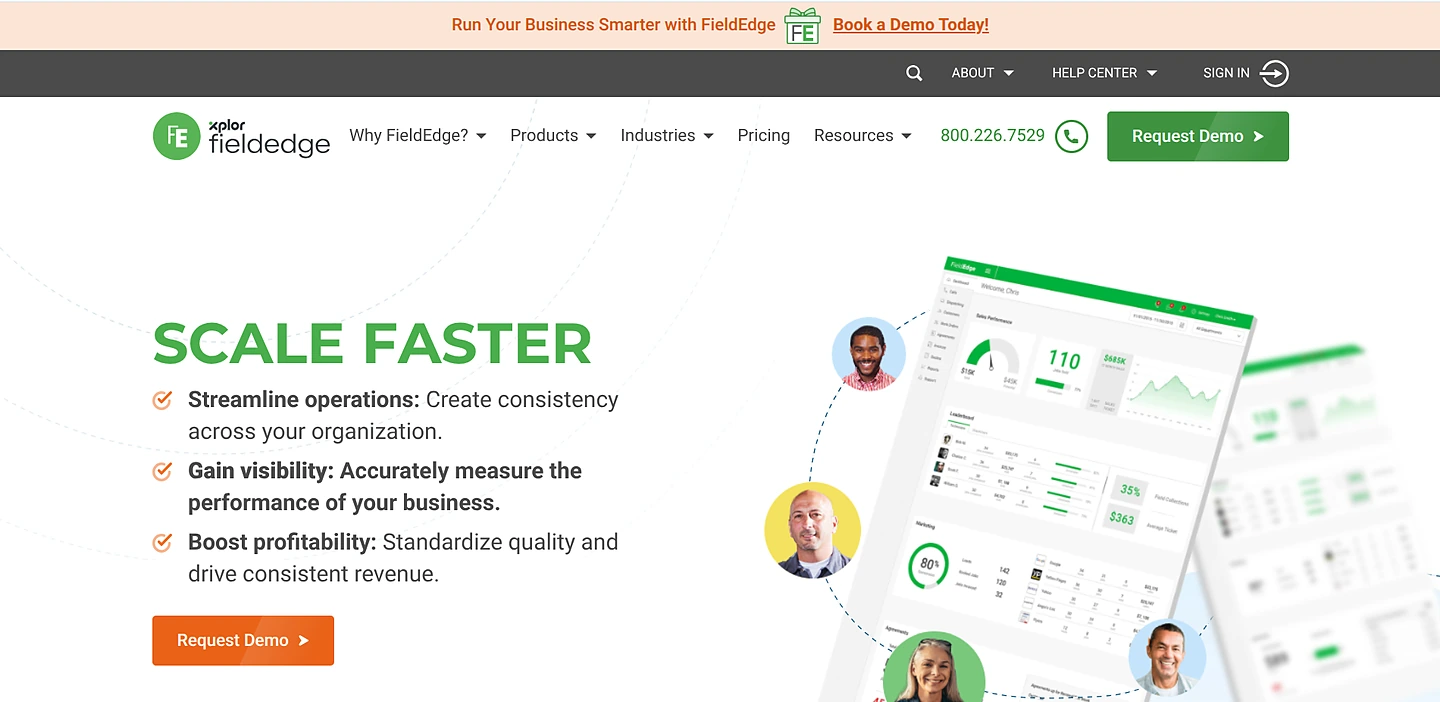
FieldEdge is aimed at HVAC and plumbing shops that run on QuickBooks, particularly QuickBooks Desktop. Its flat-rate pricebook and service agreement tracking are built for residential repair and maintenance work. Several comparison sites describe its QuickBooks connection as among the deepest in the category.
Shops that are not on QuickBooks get less out of the main selling point.
- Where it stands out: Two-way sync with QuickBooks Desktop and Online, a native flat-rate pricebook, and equipment and service agreement tracking.
- The real catch: No public prices, three tiers named Select, Premier, and Elite, and a reported setup fee of $500 to $2,000. Reviewers describe a dated mobile experience, and one review reports no free trial. Pricing is best value for teams of five or more technicians.
- Pick it if: You run 5 to 30 HVAC or plumbing techs, live in QuickBooks, and want flat-rate pricing built in.
- Verified pricing (November 2026): Not published. Trackers consistently report about $100 per office user plus $125 per technician per month, within a wider $100 to $150 per user range. Get the quote in writing with all modules listed.
12-Month Total Cost of Ownership Scenarios
The table below converts the pricing above into annual software costs. It uses annual billing where available, published or reported per-user rates, and the low and high ends of tracker estimates where vendors do not publish. It excludes payment processing, add-on modules, and the value of your own setup time.
Scenario A is a solo owner-operator with one van and no office staff. Scenario B is five technicians plus one office dispatcher, six users in total, with QuickBooks sync required.
| Platform | A: Solo Owner-Operator (1 User) | B: 5 Techs Plus Dispatcher (6 Users) | One-Time Costs |
|---|---|---|---|
| Jobber | $348 on Core; about $1,188 on Connect if you need QuickBooks | $1,536 on Connect plus 1 extra user (annual billing); $2,016 on monthly billing | None reported |
| Housecall Pro | $708 on Basic; $1,788 on Essentials if you need QuickBooks | $2,208 to $2,988 on Essentials plus 1 seat depending on seat price; $3,588 on MAX | None reported |
| Kickserv | $720 on Start (QuickBooks Online included) | $1,428 to $1,788 on Run if priced flat; up to about $8,568 if priced per user; add $600 for QuickBooks Desktop | None reported |
| ServiceTitan | $2,940 to $6,000 | $14,700 to $30,000 for 5 techs, before any office seat fees | $5,000 to $50,000 implementation |
| Simpro | About $3,000 at the $250 reported rate; solo sales may not be offered | $10,800 to $21,600 at $150 to $300 per user | Onboarding and training, unquoted |
| FieldEdge | About $1,500 | About $8,700 (5 techs at $125, 1 office user at $100) | $500 to $2,000 setup |
First-year totals shift once one-time fees land. ServiceTitan for the five-tech crew lands between about $19,700 and $80,000 in year one. FieldEdge lands between roughly $9,200 and $10,700. Jobber and Housecall Pro stay under about $3,600 for the same crew, which is the main reason they dominate small-shop shortlists.
Costs Outside the Sticker Price
Payment processing can outweigh the subscription. A crew that collects $150,000 a year by card pays about $4,350 at 2.9%, versus about $3,885 at 2.59%, before per-transaction fees. That gap is nearly as large as some annual plans.
Also check three other items before signing: whether accounting integrations require higher tiers, whether extra seats are priced per user or in blocks, and whether the mobile app handles offline work when a basement kills the signal. Reports on offline behavior conflict across several tools, so test it on your own phones during a trial.
Selection Matrix: Which Tool Fits Your Shop
| Trade or Need | Recommended Tool | Runner-Up | Deciding Factor |
|---|---|---|---|
| Solo plumber or HVAC owner-operator | Jobber | Housecall Pro Basic | Lowest published entry price, and QuickBooks Online on Connect |
| Residential HVAC crew of 2 to 8 needing two-way QuickBooks | Housecall Pro | FieldEdge | Two-way sync including QuickBooks Desktop on Essentials |
| Budget crew on QuickBooks Online | Kickserv | Jobber Connect | Under $100 monthly for basics, with Online sync on the first paid tier |
| Plumbing shop with flat-rate pricebook on QuickBooks Desktop | FieldEdge | Housecall Pro MAX | Native flat-rate pricebook and Desktop sync |
| 10 to 15 or more techs with a call center | ServiceTitan | FieldEdge | Dispatch and reporting depth, if you can fund implementation |
| Commercial or project-based electrical and mechanical work | Simpro | ServiceTitan | Job costing and inventory tied to quotes |
| Android-heavy crew | Jobber | ServiceTitan | Reported Google Play ratings near 4.7 for Jobber versus about 3.3 for Housecall Pro |
| Looking for a free plan | None of these six | Kickserv or Jobber trial | No permanent free tier found; trials run 14 to 30 days |