
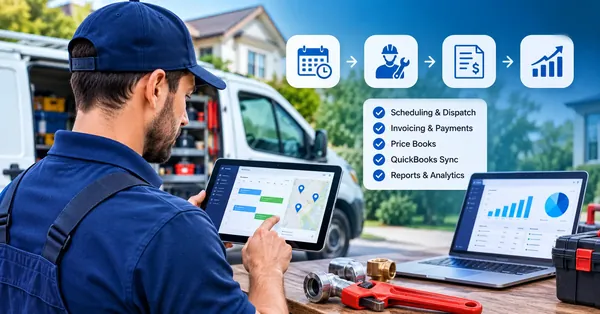
Quick Summary & Key Takeaways
- Housecall Pro and Jobber publish their prices. ServiceTitan, Simpro and FieldEdge sell by quote only, so no price is printed for them here.
- Flat-rate pricing and QuickBooks Online sync start on Housecall Pro Essentials ($149 a month billed annually, 5 users included).
- Jobber costs less to start, but its published features list no flat-rate price book and job costing begins on the Grow plan.
- Get contract length, onboarding fees and per-user rules in writing before you sign with any vendor.
Free Interactive Companion Tool
Test inputs and calculate figures directly with our in-browser tool
Best Plumbing Software for Small Business in 2026
Plumbing shops rarely go looking for software out of curiosity. Something broke first: a paper work order vanished, a tech forgot to bill a $180 part, or the office spent Friday night typing invoices into QuickBooks a second time.
This guide is meant to help you pick the best plumbing software for small business budgets. It compares six plumbing field service software options: ServiceTitan, Housecall Pro, Jobber, Simpro, FieldEdge and Kickserv. The research draws on official pricing pages checked in November 2026, vendor documentation and published G2 and Capterra reviews rather than hands-on trials, and where a vendor hides its prices, we say so instead of guessing.
Quick answer
For most one to eight person shops, Housecall Pro is the best place to start. Its published plans include a price book, and the Essentials plan adds flat-rate pricing and QuickBooks Online sync. Jobber is the cheaper, simpler pick for solo plumbers who bill time and materials, and FieldEdge suits shops tied to QuickBooks Desktop.
ServiceTitan and Simpro fit larger or commercial operations, but both sell by quote only. For contractors bidding commercial plan sets that require material takeoffs and labor calculations before dispatching crews, our guide to plumbing estimating software covers dedicated bidding suites.
What plumbing contractors should check before comparing prices
Generic roundups treat plumber business software like landscaping or cleaning software and compare calendars. A plumbing shop lives or dies on a handful of details that rarely show up in a feature checklist.
The flat-rate price book
Most residential plumbers quote from a flat-rate book, so techs need a price book they can use on a phone. Housecall Pro lists a price book on every plan and flat-rate pricing from Essentials up. FieldEdge puts a pricebook and flat-rate pricing in its entry Select tier, and ServiceTitan lists a pricebook among its package features.
Jobber's published feature list does not include a flat-rate price book. Good, better, best quotes there would rely on optional line items and add-ons instead.
If you build your own book, run the numbers first. A 50 percent markup is only a 33 percent margin, and our markup and margin calculator shows the difference before it ends up in your price book.
Per-seat versus per-technician pricing
Most plumbing company software bills by seat, but the rules differ. Housecall Pro and Jobber bundle a set number of users into each plan and charge a flat fee for extras: $35 per added user on Housecall Pro MAX and $29 on every Jobber plan. ServiceTitan prices per technician and Simpro per user, both by quote.
Ask whether office staff and dispatchers count as paid seats. That one answer can change the bill noticeably.
Contracts and lock-ins
Housecall Pro says on its pricing page that it does not require long-term contracts. Jobber lets you choose no commitment, a one year commitment or annual prepay, and its terms say annual payments are non-refundable and subscriptions renew automatically.
ServiceTitan, Simpro and FieldEdge do not publish terms, so the order form is what counts. Some Capterra reviewers of Simpro describe multi-year terms with annual price increases, which is worth asking about directly.
QuickBooks sync
Double entry is the pain most owners want gone, so check the sync and not just the logo. Housecall Pro's pricing page puts QuickBooks Online sync on Essentials and up. Jobber's published information lists QuickBooks Online and Xero, and FieldEdge supports both QuickBooks Online and Desktop.
Review aggregators do flag QuickBooks integration complaints for some tools. Ask what happens when an invoice is edited after it has synced.
Bad cell service
Basements, crawl spaces and rural calls kill signal. ServiceTitan's help center says its field app works offline with no extra configuration, covering job status updates and building estimates. Housecall Pro lists offline viewing on every plan, which means looking at job details, not creating them.
For Jobber, Simpro, FieldEdge and Kickserv, we could not confirm offline behavior from official pages, and third-party comparisons disagree. Test each one in your worst basement during the trial. Card payments generally need a data connection, so also ask what happens when signal drops mid-checkout.
Truck inventory and recurring work
Housecall Pro says on its AI-info page that it may not suit businesses needing deep inventory management. ServiceTitan lists an inventory app, and Simpro describes inventory with vendor price comparisons in its own materials.
Recurring work like annual backflow tests is a bigger gap. None of the six is a dedicated backflow compliance product, so most shops handle it through recurring jobs or service plans. Housecall Pro puts recurring service plans on MAX, and ServiceTitan puts customizable memberships in The Works.
Pricing and terms snapshot, November 2026
Housecall Pro and Jobber figures come from their official pricing pages in November 2026. Kickserv numbers come from third-party price trackers in October 2026, so confirm them on the vendor site. ServiceTitan, Simpro and FieldEdge do not publish prices.
| Tool | Pricing model | Published starting price | Contract terms | QuickBooks | Flat-rate price book |
|---|---|---|---|---|---|
| Housecall Pro | Plans with included users | Basic $59 a month billed annually ($79 monthly), 1 user | No long-term contract per vendor | QuickBooks Online sync on Essentials and up | Price book on all plans, flat-rate pricing on Essentials and up |
| Jobber | Plans by user band | Core $29 a month billed annually ($49 monthly), 1 user | No commitment, 1 year, or annual prepay | QuickBooks Online and Xero from Connect | Not in published feature list |
| Kickserv | Flat tiers | Start $60 a month billed annually (tracker data) | Not confirmed | QuickBooks Online, Desktop add-on reported | Not confirmed |
| ServiceTitan | Per technician, quote only | Not published | Set by order form | Reported two-way sync, confirm version | Pricebook listed, confirm package |
| Simpro | Per user, quote only | Not published | Set by order form | Listed by Simpro, confirm version | Estimating tools, confirm price book |
| FieldEdge | Three tiers, quote only | Not published | Set by order form | QuickBooks Online and Desktop | Pricebook and flat-rate pricing in Select |
The six tools, one by one
Housecall Pro
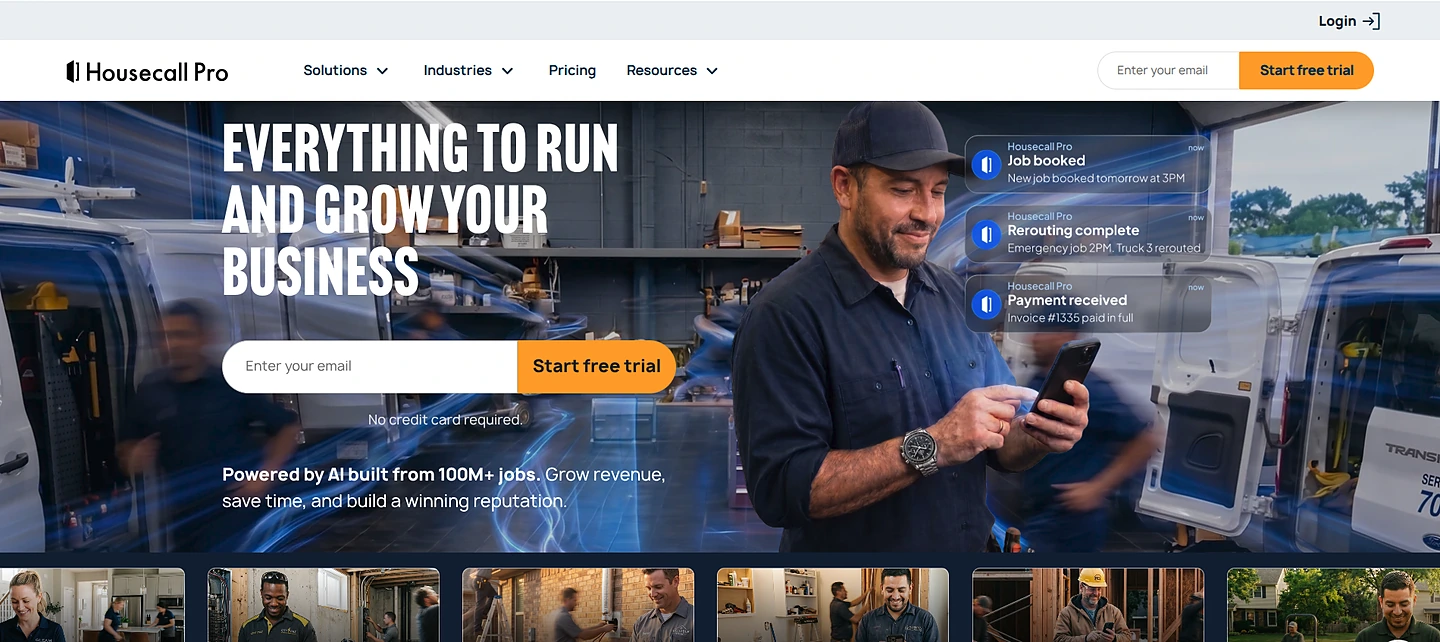
Housecall Pro is built for residential home service, and plumbing is one of its named industries. As plumbing service scheduling software it covers online booking, drag and drop dispatch and "on my way" texts. The vendor cites a 4.7 Capterra rating from more than 2,700 reviews, and reviewers commonly point to easy onboarding for new techs.
Pricing runs Basic at $59 a month billed annually ($79 monthly) for one user, Essentials at $149 ($189 monthly) for five users, and MAX at $299 ($329 monthly) for eight users plus $35 per extra user. Essentials adds flat-rate pricing, QuickBooks Online sync, routes and photo reports. MAX adds recurring service plans, the sales proposal tool and open API access.
The drawbacks are real. Offline use is viewing only, and the free trial runs on the MAX plan, so you will be trying features a Basic subscription does not include. Housecall Pro also mentions a Mechanical Package for HVAC, plumbing and electrical contractors that the public page does not detail, so ask about it.
Jobber
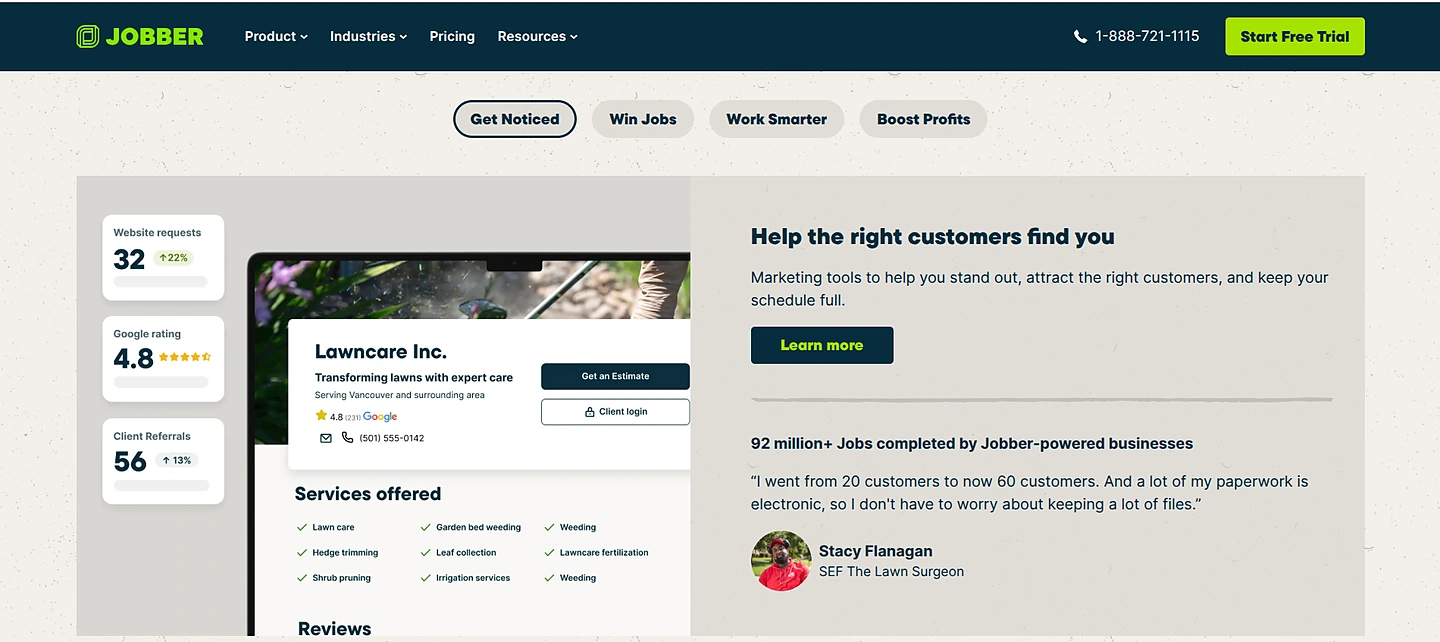
Jobber is a general home service platform with a polished mobile app, and reviewers on G2 and Software Advice often highlight its ease of use. It works best when jobs follow a simple book, do, invoice flow. Plumbers who sell from a tiered flat-rate book will find it thinner.
Core is $29 a month billed annually ($49 month to month) for one user. Connect adds automated reminders, checklists, time and expense tracking and QuickBooks Online sync, starting at $99 annual for one user or $149 for five. Grow adds job costing, two-way texting and optional line items, starting at $149 for one user, $229 for five and $299 for ten. Extra users are $29 each, and Pipeline ($49), Receptionist ($29) and Marketing Suite ($99) are add-ons.
Watch the fine print. The 14 day trial runs on Grow, QuickBooks Desktop is not listed, and annual prepay is non-refundable. Third-party review summaries also mention integration glitches and QuickBooks sync complaints.
ServiceTitan
ServiceTitan is the heavyweight in plumber business management software, aimed at shops that want deep reporting, call booking and payroll in one system. Its packages are Starter, Essentials and The Works, priced per technician by quote. Starter lists dispatching, scheduling, call booking and invoicing, Essentials adds mobile estimates and payroll management, and The Works adds advanced reporting, commission tracking and customizable memberships.
Third-party estimates of its price vary widely, and onboarding fees are reported from the low thousands into five figures. ServiceTitan confirms none of it. Ask for an itemized written quote covering seats, onboarding, add-ons and term.
The upside is that its field app works offline by design. The trade-off is cost and complexity, since reviewers commonly cite high cost, and it tends to suit shops with dedicated office staff.
Simpro
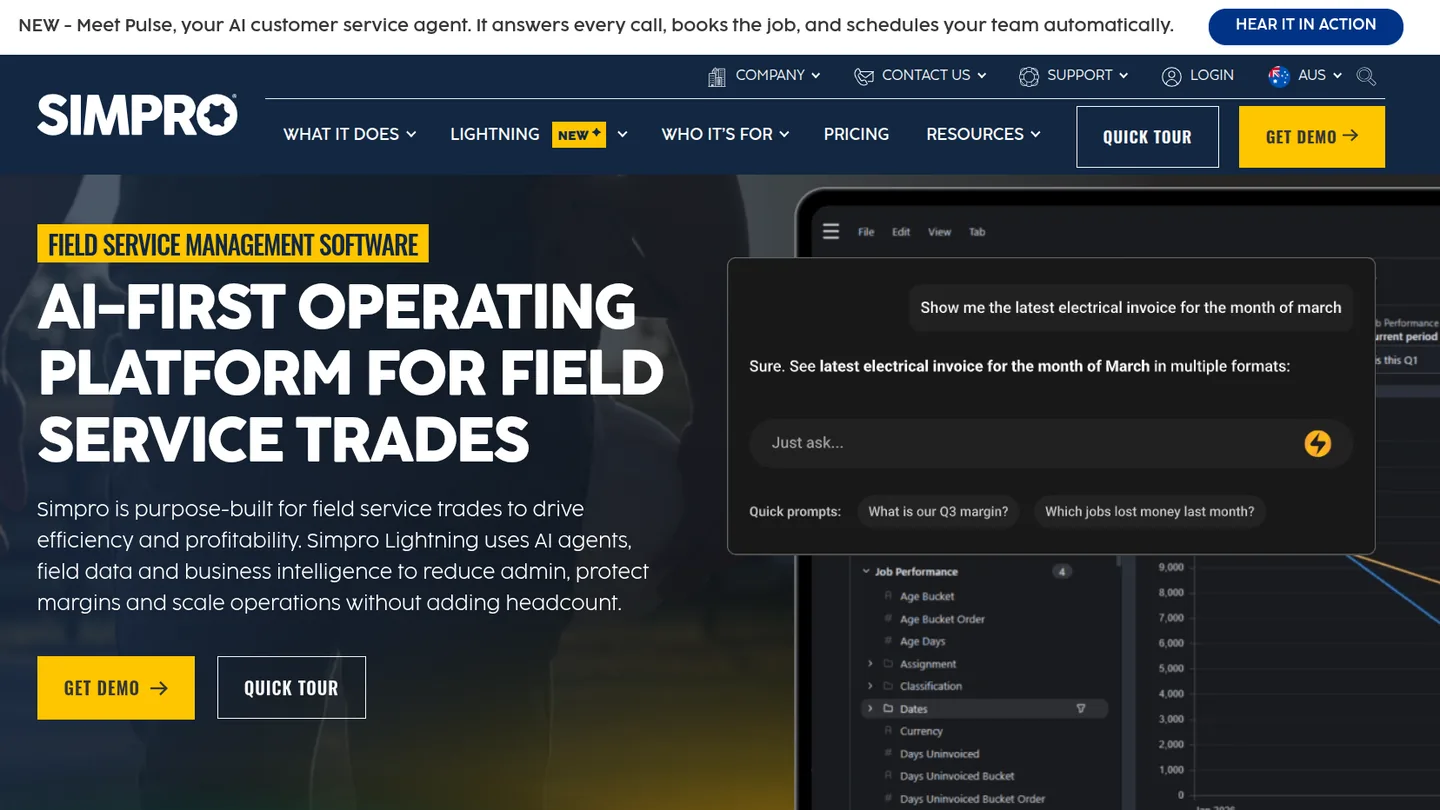
Simpro leans toward estimating, job costing and inventory, which is why it shows up in commercial plumbing and multi-trade shops. According to Simpro's own materials, it offers work in progress reporting and integrations with QuickBooks, Xero, Sage and MYOB. Pricing is per user and by quote, with no public list.
Some Capterra reviewers report per-user licences of $200 to $250 a month (in New Zealand dollars in one case), paid training for new staff and multi-year terms with annual increases. Not all of those reviews come from US shops. Ask for US pricing and renewal terms in writing.
FieldEdge
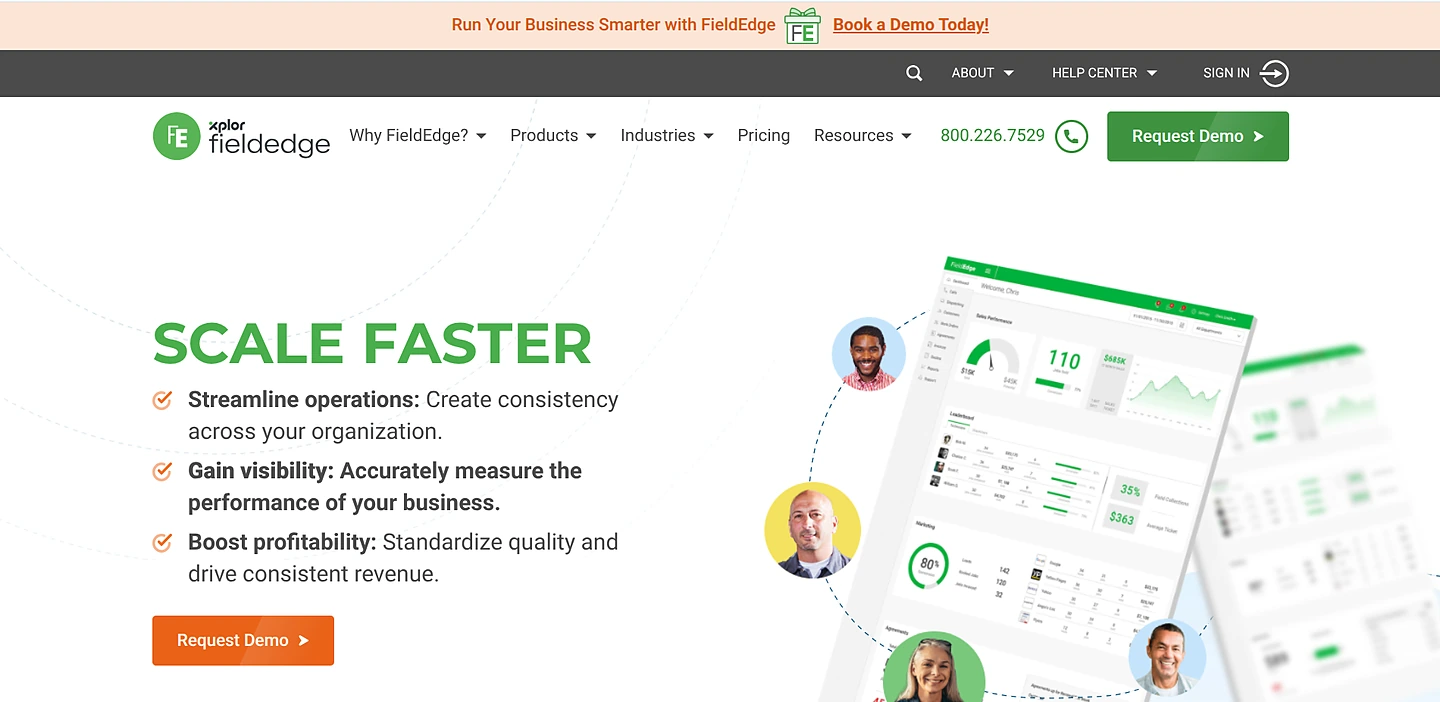
FieldEdge targets multi-truck residential and light commercial HVAC, plumbing and electrical shops and is owned by Xplor. It sells Select, Premier and Elite tiers by quote. Select lists dispatching, booking, basic quotes, a pricebook and flat-rate pricing, and Premier adds advanced dispatching and multi-option quotes.
Its main draw for plumbers is accounting: it supports QuickBooks Online and Desktop, while shops seeking dedicated trade ledgers can evaluate specialized contractor accounting software. The drawbacks are opaque pricing, no free trial according to ERP Research, and support complaints that show up in some G2 summaries. Third-party estimates of per-user and setup fees conflict, so none are printed here.
Kickserv
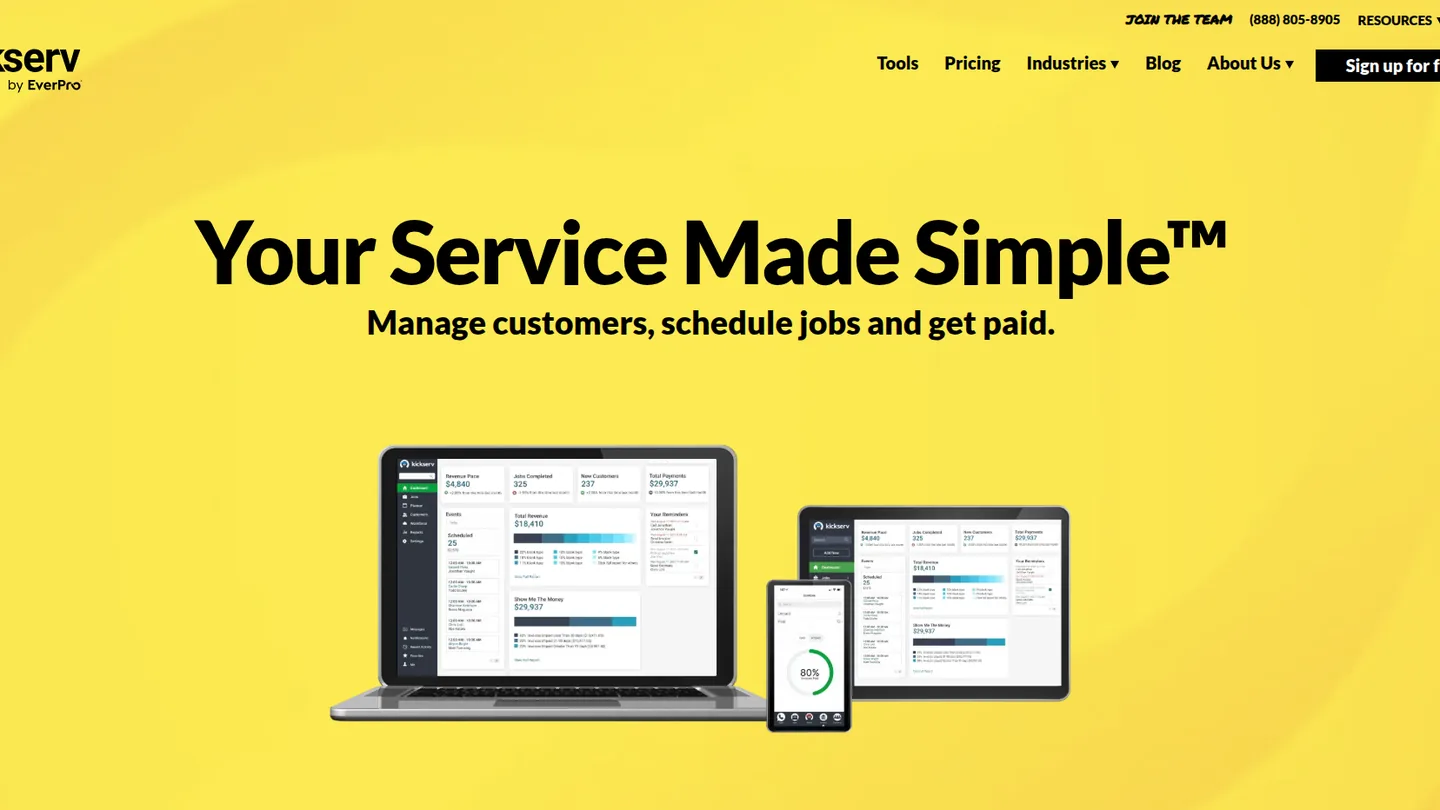
Kickserv is the budget option, with flat tiers instead of per-seat math. Price trackers list Start at $60 a month billed annually, Run at $119 and Scale at $199, with higher month to month rates, and one source lists user caps of 5, 10 and 20. It reports a 30 day trial and appears on Capterra's 2026 plumbing shortlist.
GetApp lists software instability among reviewer complaints, and one tracker reports a $50 monthly add-on for QuickBooks Desktop on higher plans. We could not find offline mode details, so verify that before buying.
What the bill looks like at 5 and 10 users
Seat rules change the math faster than headline prices. These figures use annual billing from the official pages checked in November 2026, so they assume paying for a year up front or committing to one.
| Option | Monthly cost at 5 users | Monthly cost at 10 users |
|---|---|---|
| Housecall Pro (Essentials, then MAX plus 2 extra users) | $149 | $369 |
| Jobber Connect | $149 | $229 |
| Jobber Grow | $229 | $299 |
| Kickserv (tracker tiers, unconfirmed) | $60 | $119 |
| ServiceTitan, Simpro, FieldEdge | Quote | Quote |
At five users, Housecall Pro Essentials and Jobber Connect tie at $149. Housecall Pro includes flat-rate pricing and job costing at that price, while Jobber needs Grow for job costing. That is $80 more a month, or $960 a year.
Card processing on big plumbing tickets
Water heater swaps and repipes can produce large invoices, so percentage fees add up. When evaluating field software payment tools, look at processing rates along with the monthly price. Jobber lists 2.9 percent plus 30 cents for online cards, 2.7 percent plus 30 cents for Tap to Pay and 1 percent for bank (ACH) payments. Housecall Pro lists card processing from 2.59 percent and 1 percent for bank payments.
On a $1,200 invoice, 2.9 percent plus 30 cents costs $35.10, while 1 percent ACH costs $12. Steering larger customers toward bank payment can save real money.
Which one to trial first
| Shop type | Start with | Why |
|---|---|---|
| Solo plumber, simple jobs | Jobber Core or Housecall Pro Basic | Lowest published entry prices |
| 2 to 5 people, flat-rate book, QuickBooks Online | Housecall Pro Essentials | Flat-rate pricing and sync at $149 for 5 users |
| 3 to 8 people, mostly time and materials | Jobber Connect or Grow | Simple workflow, flat extra-user fee |
| 5 to 15 trucks on QuickBooks Desktop | FieldEdge | Supports Desktop and Online |
| Commercial or multi-trade work | Simpro or ServiceTitan | Deeper job costing and inventory, quote only |
| Tightest budget | Kickserv | Flat tiers, confirm current prices |
Questions to ask before you sign
Before signing with any of these plumbing software programs, get answers in writing:
- Do office staff, dispatchers and part-time techs count as paid users?
- What are the onboarding, data import and training fees?
- How long is the term, and what are the renewal and price increase rules?
- Which QuickBooks version syncs, and which plan includes it?
- What can a tech do offline, and what happens to a card payment when signal drops?
- Can I import my existing price book and export my customer data if I leave?
Bottom line
The best software for a small plumbing business is the one your techs will open on every job. Housecall Pro has the clearest published fit for flat-rate shops, Jobber wins on simplicity and entry price, and FieldEdge makes sense for QuickBooks Desktop users. Use the trials, and test offline mode in a real basement before you commit.