
Quick Summary & Key Takeaways
- Blender is the strongest free pick for modeling and rendering, but it has a real learning curve and no CAD conveniences out of the box.
- Rhino 8 is the main way to avoid a subscription: a one-time $995 license for Windows and Mac.
- Sweet Home 3D and Tinkercad are free and easy, but they only cover narrow jobs (interiors and small objects).
- No free option opens a .skp file on its own, so export your models from SketchUp before your subscription ends.
Free Interactive Companion Tool
Test inputs and calculate figures directly with our in-browser tool
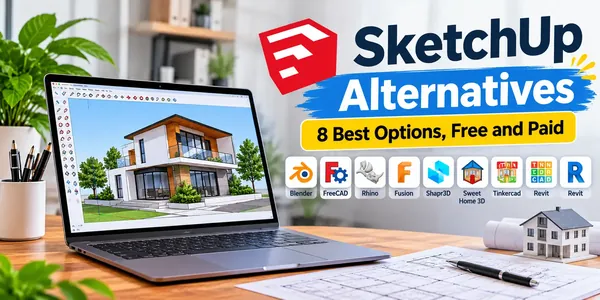
SketchUp Alternatives: 8 Best Options, Free and Paid
The best SketchUp alternatives depend on what you are leaving behind. If it is the subscription, Rhino 8 (a one-time $995 license) or free tools like Blender and FreeCAD fit best. If it is the lack of building documentation, Revit is the standard but costs about $3,005 a year. For interiors or hobby work, Sweet Home 3D and Tinkercad cost nothing.
The friction is that no single tool copies SketchUp's quick push-pull modeling and its extension library at once. This guide is based on official pricing pages, vendor documentation, and published user reviews, not hands-on testing. Prices were checked in November 2026 and can change, so confirm on each official site before you buy.
Quick Answer: SketchUp Alternatives at a Glance
| Tool | Price (checked Nov 2026) | Best for | The biggest catch |
|---|---|---|---|
| Blender | Free | Modeling, rendering, visuals | Steep learning curve, not a CAD tool |
| FreeCAD | Free | Exact dimensions, woodworking, open BIM | Interface and workflow take time to learn |
| Rhino 8 | $995 one-time | Complex geometry, no subscription | Not a BIM or documentation suite |
| Autodesk Fusion | Free for qualifying personal use; paid plan about $680 per year | Product design, 3D printing | Built for mechanical design, not buildings |
| Shapr3D | Free (limited); Pro about $299 per year | iPad and Mac sketch-to-CAD | Depth trails larger CAD suites |
| Sweet Home 3D | Free | Floor plans and interiors | Weak at custom geometry |
| Tinkercad | Free | Beginners and small 3D prints | Very limited tools |
| Revit | $3,005 per year | Full BIM for architects | Expensive and heavy for quick concepts |
Why People Look for SketchUp Alternatives
SketchUp is subscription only. Published rates are about $129 per year for Go, $399 per year for Pro, and roughly $819 to $859 per year for Studio, depending on the source and date. Go covers web and iPad only, so it has no desktop app. Pro adds the desktop app and LayOut for documentation.
Rendering is the other common pain point. Pro does not produce photorealistic renders by itself, and Studio's bundled V-Ray is reported to be Windows only. Add paid extensions and a render engine, and the real yearly cost climbs well past the sticker price.
Whether a free SketchUp plan still exists is unclear. Some 2026 guides describe a free, noncommercial browser version. A SketchUp forum thread and at least one pricing guide say the free plan expired or no longer appears on the plans page. Check SketchUp's official plans page at sketchup.trimble.com/en/plans-and-pricing before you count on it.
Which SketchUp Alternative Should You Pick?
| Your Situation | Primary Pick | Runner-Up | Why This Works |
|---|---|---|---|
| Want a free SketchUp alternative for modeling and renders | Blender | FreeCAD | Blender models and renders in one free program |
| Want to stop paying a subscription | Rhino 8 | Blender | Rhino is a perpetual license, Blender costs nothing |
| Need floor plans and furniture layouts at home | Sweet Home 3D | Tinkercad | Draws walls and drops in furniture, free |
| Woodworker who needs exact dimensions | FreeCAD | Fusion (personal use) | Parametric, dimension-driven modeling |
| Architect who must deliver full documentation | Revit | Rhino 8 plus other tools | Revit is built for BIM sets |
| Sketching on an iPad | Shapr3D | SketchUp Go | Designed around touch and Apple Pencil |
| Total beginner or student project | Tinkercad | Sweet Home 3D | Runs in a browser with almost no setup |
The Best SketchUp Alternatives, Reviewed
1. Blender
Blender is a free, open-source 3D suite that covers modeling, rendering, animation, and more. It is released under the GNU GPL, and its own materials state it can be used freely for any purpose, including commercial work. The 5.x series is current.
Many designers who left SketchUp over its subscription landed here, and user reviews on Reddit rate it highly. It is polygon-based like SketchUp, so the modeling feels related, but the interface is much deeper.
- Where it stands out: Production-grade rendering at no extra cost, a huge add-on community, and runs on Windows, macOS, and Linux.
- The real catch: It has a real learning curve and no CAD conveniences by default. It also does not open .skp files natively, so you rely on exports or add-ons.
- Pick it if: You care about visuals and want to spend zero on software.
- Verified pricing (November 2026): Free.
2. FreeCAD
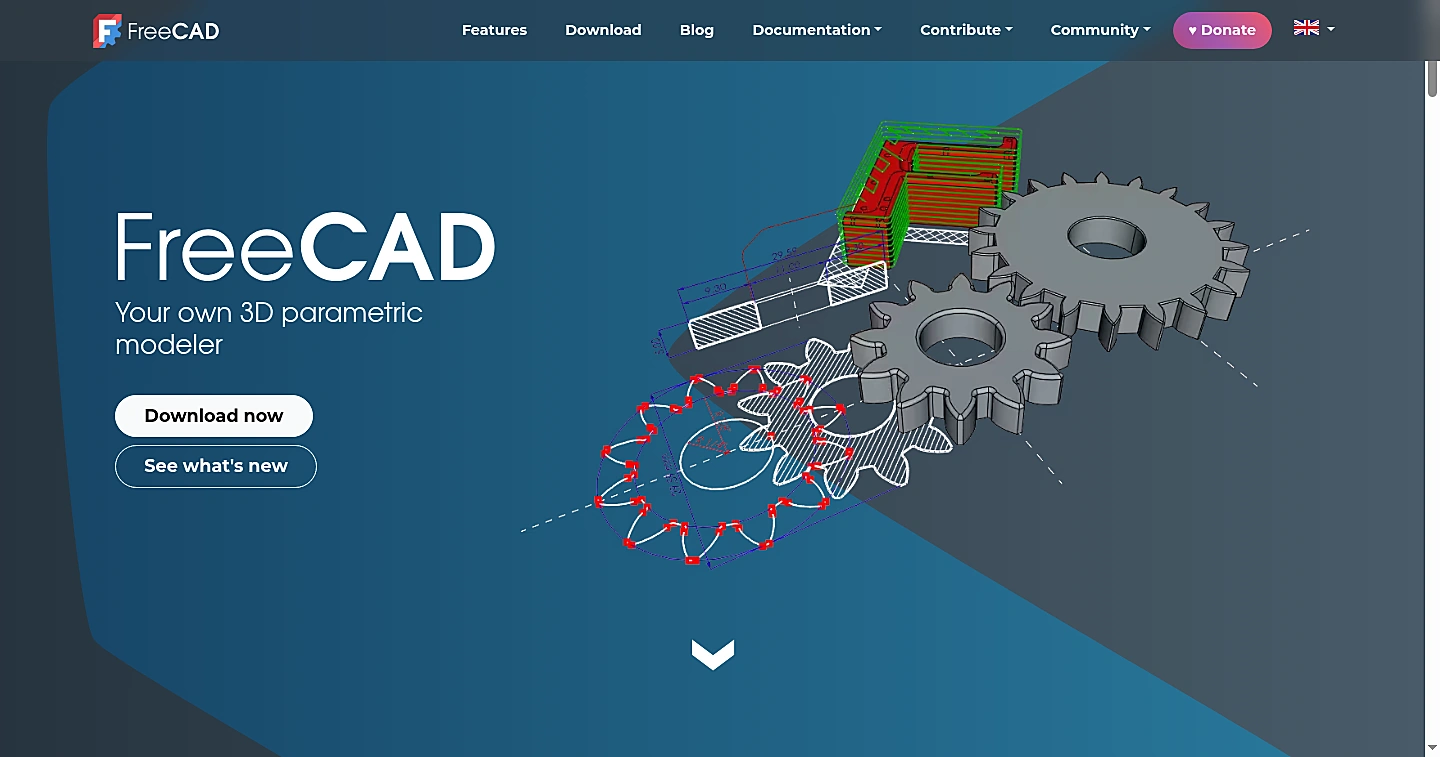
FreeCAD is a free, open-source parametric 3D modeler. Version 1.1 shipped on March 24, 2026, and the BIM workbench is now built in, with native IFC support for sharing building models. For teams needing 2D drafts alongside 3D geometry, our review of AutoCAD alternatives covers how open-source drafting fits with BIM.
It suits people who want exact dimensions, such as woodworkers and cabinet makers. Reviewers on forums are split, with some calling it usable and others still frustrated by it.
- Where it stands out: Dimension-driven modeling, open BIM and IFC workflows, and no license fees.
- The real catch: The learning curve is steep, and producing printable 2D sheets from large BIM models is still described as tedious. It is not meant for rough ideas in five minutes.
- Pick it if: Accuracy matters more than speed, or you work on Linux.
- Verified pricing (November 2026): Free.
3. Rhino 8
Rhino is a NURBS modeler, so curves stay mathematically exact instead of faceted like SketchUp's. It includes Grasshopper for parametric design. McNeel sells it as a perpetual license for both Windows and Mac.
It is the clearest route for anyone who wants to buy once. Rhino 9 is reported to be in public beta, and McNeel typically offers a discounted upgrade shortly after a new version ships, so check the store before buying.
- Where it stands out: Handles complex shapes SketchUp struggles with, no recurring fee, and a 90-day full-feature evaluation.
- The real catch: It is a general modeler, not a BIM or documentation suite. Evaluation versions cannot be upgraded to a purchased license.
- Pick it if: You model complex forms and hate subscriptions.
- Verified pricing (November 2026): $995 for a new commercial license, $595 to upgrade, $195 for students and faculty.
4. Autodesk Fusion
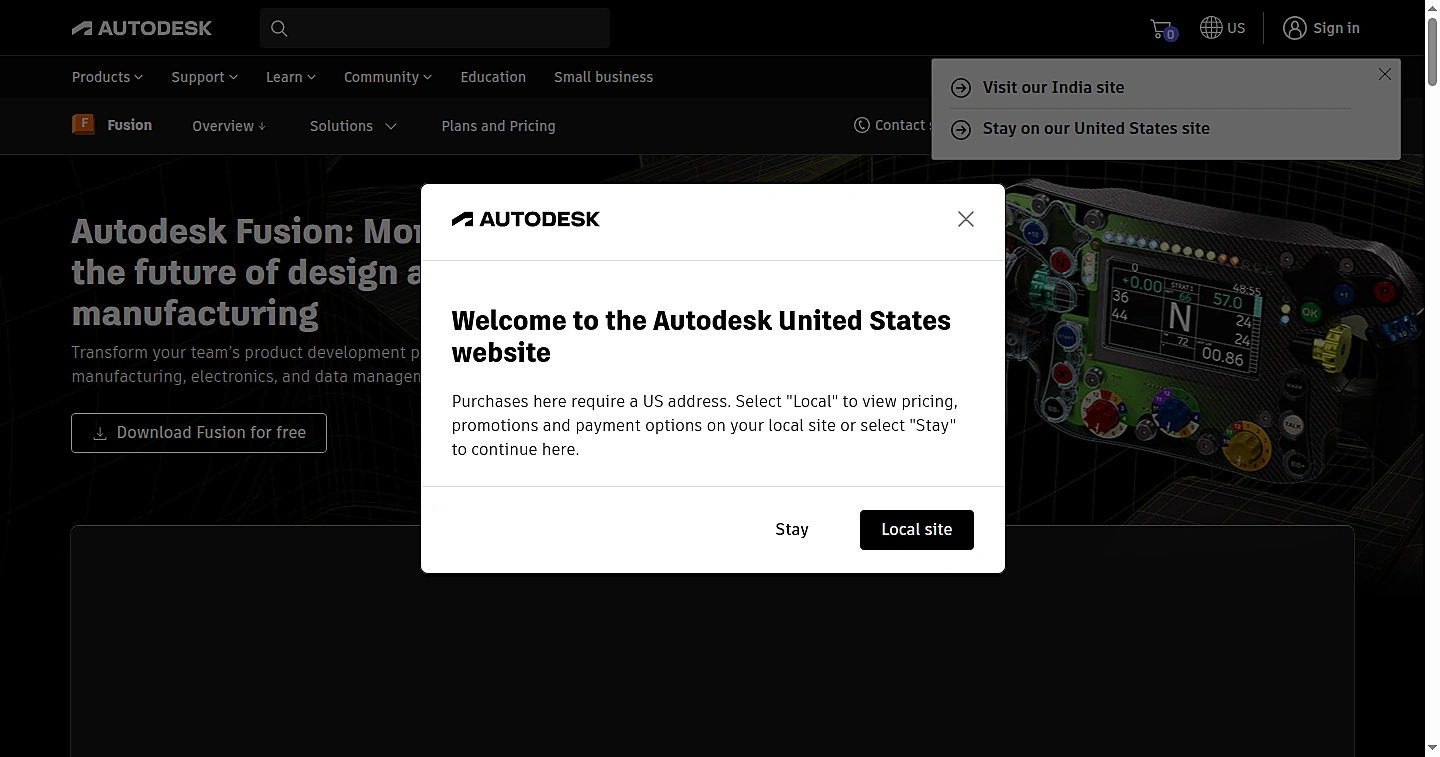
Autodesk Fusion (formerly Fusion 360) is a cloud-connected CAD and CAM tool aimed at product design. It offers a free Personal Use license for home, non-commercial projects, limited to people earning under $1,000 per year from their work.
It is a good free alternative to SketchUp for 3D printing and woodworking parts. Reddit users often call it easy to learn and a strong value.
- Where it stands out: Parametric, editable models and a free tier for hobbyists.
- The real catch: The personal license is a restricted version of the product, and community reports mention a cap of 10 active documents. It is built for mechanical parts, not buildings.
- Pick it if: You make objects, furniture parts, or prints rather than architecture.
- Verified pricing (November 2026): Free for qualifying personal use. Paid plans are listed at about $680 per year.
5. Shapr3D
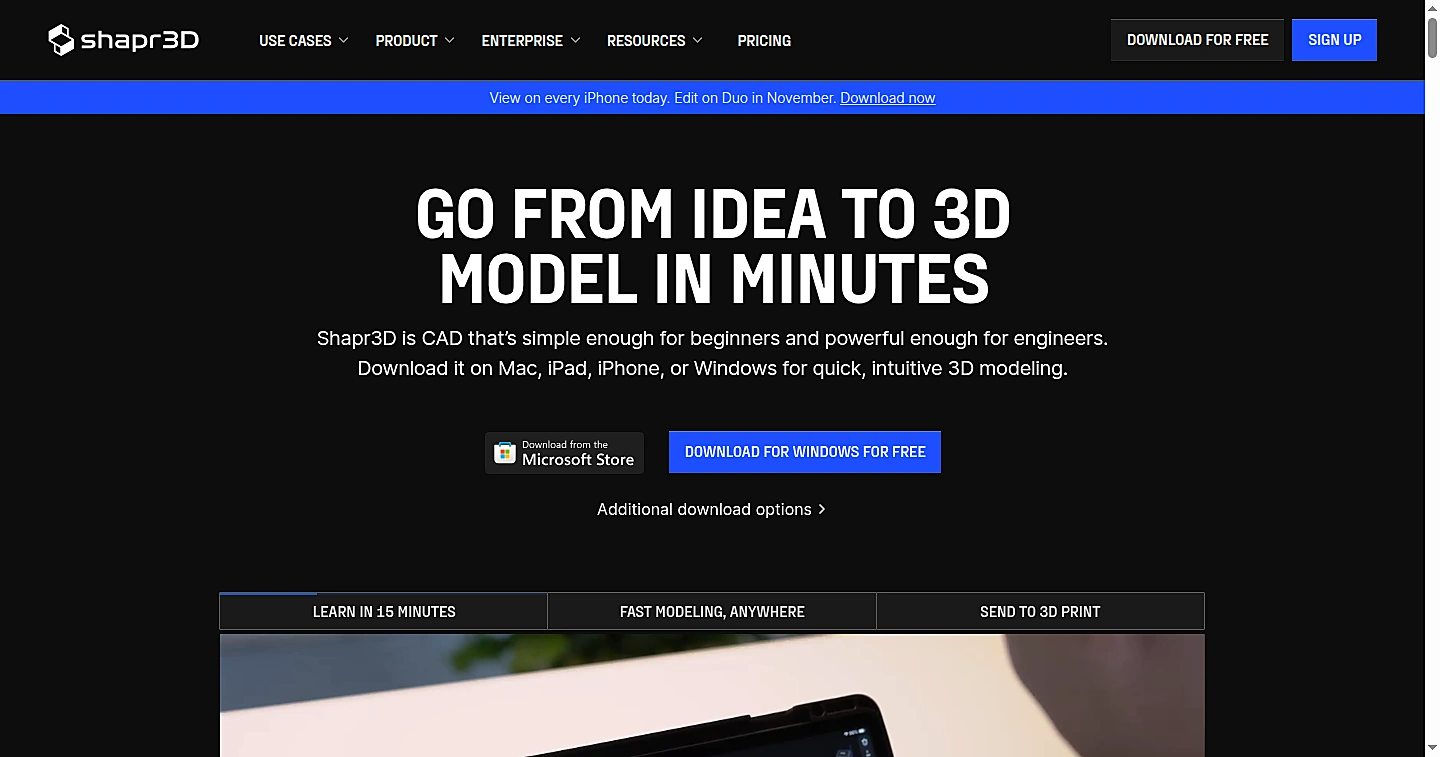
Shapr3D is a direct-modeling CAD app that started on iPad and now runs on Mac and Windows. It is built for sketching with a pencil or mouse and turning shapes into solid models.
Reviewers like its speed and intuitive feel. The same reviews note that it trails larger CAD suites in depth.
- Where it stands out: A natural, fast feel on iPad, and a free tier to try it.
- The real catch: The free plan is limited (reported at 2 projects), and complex assemblies can hit ceilings. It is not an architectural tool.
- Pick it if: You design on a tablet and want solid models, not building plans.
- Verified pricing (November 2026): Free tier available. Pro is listed at about $299 per year ($25 per month billed annually).
6. Sweet Home 3D
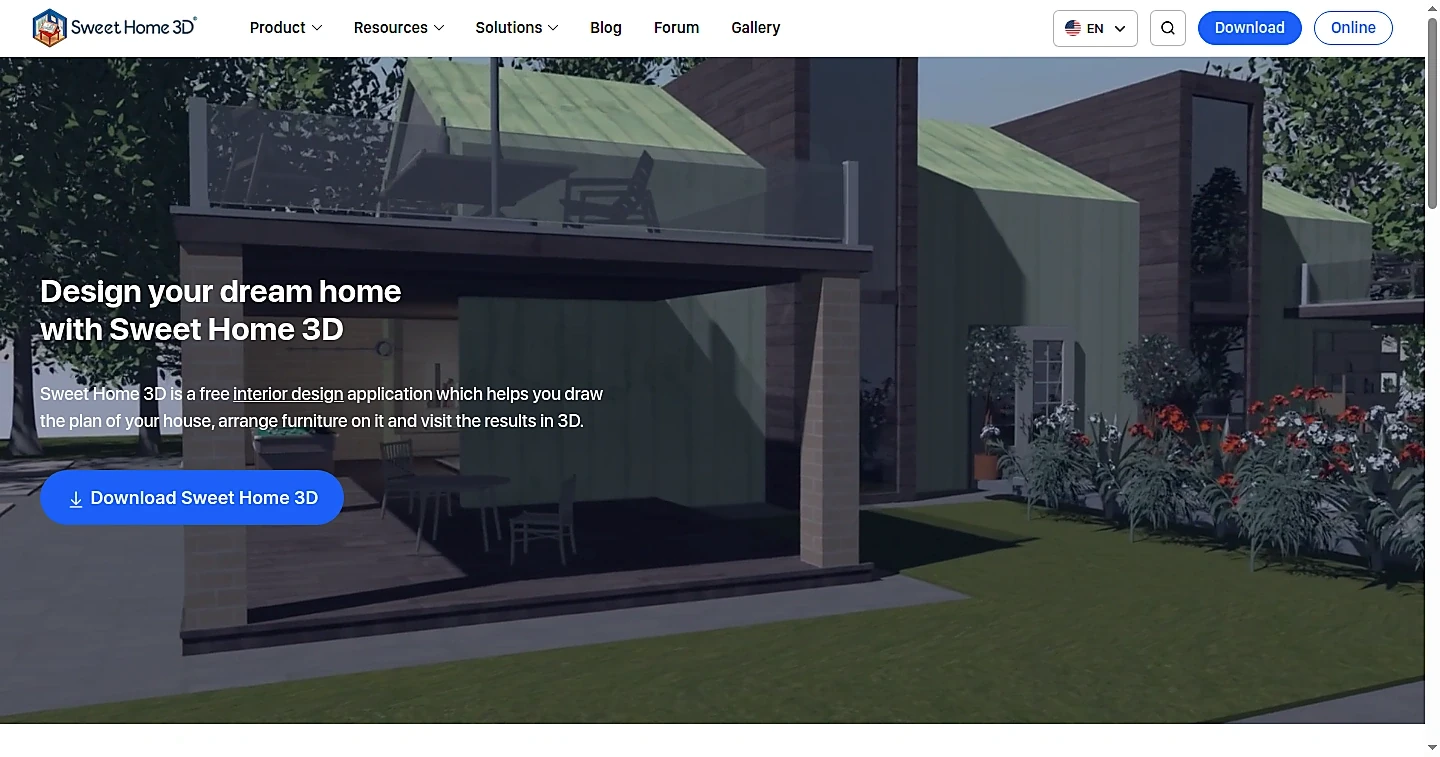
Sweet Home 3D is a free, open-source interior design app. You draw walls, drag in doors, windows, and furniture, and watch the 3D view update. Version 7.5 runs on Windows, macOS, Linux, iOS, and Android, and there is an online version.
The official site says it can be used even for commercial purposes under the GPL.
- Where it stands out: Fast floor plans and room layouts, thousands of furniture models, and truly free.
- The real catch: It focuses on interior layout rather than detailed custom modeling. For advanced renders, people export to other software.
- Pick it if: You are planning a remodel or furnishing a room.
- Verified pricing (November 2026): Free.
7. Tinkercad
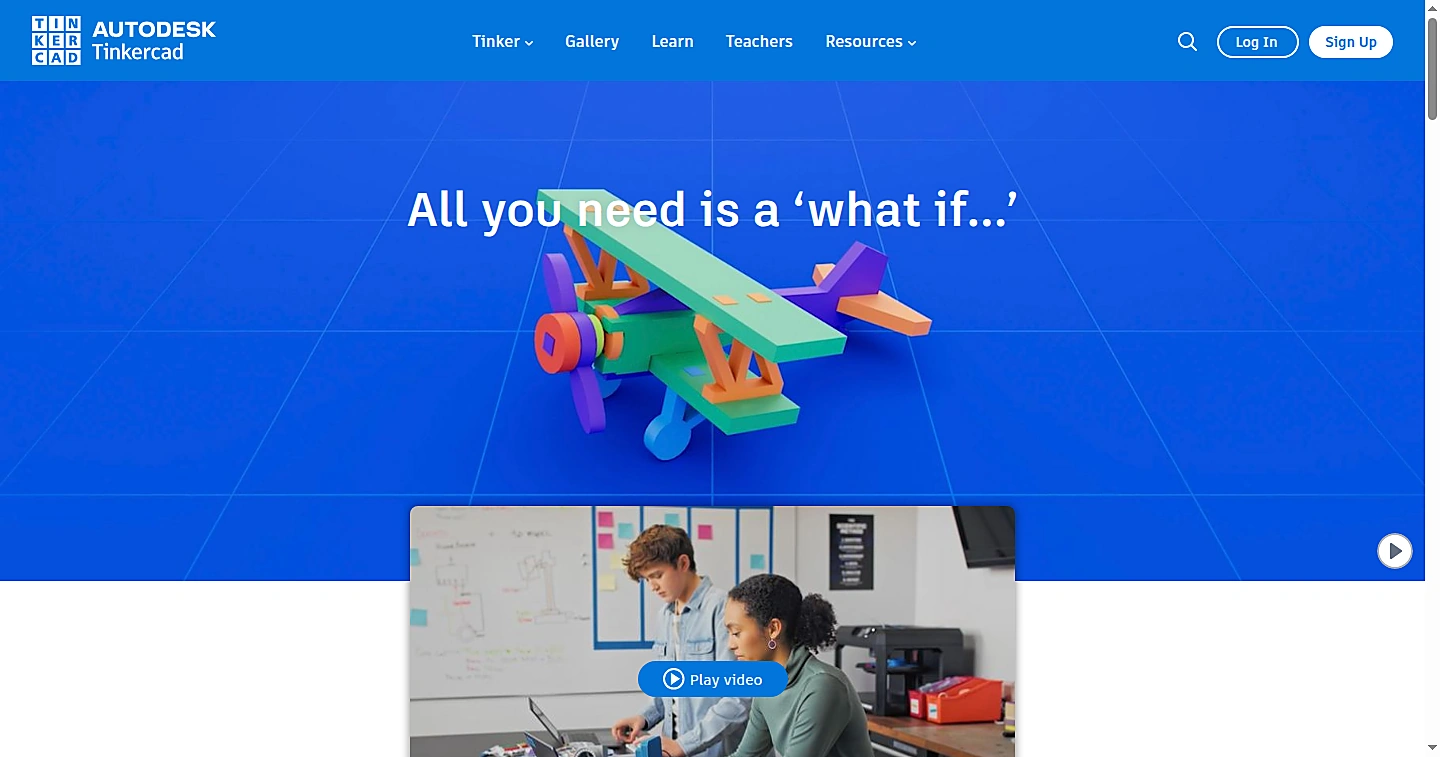
Tinkercad is Autodesk's free, browser-based tool for beginners. You snap simple shapes together, and it exports files for 3D printing.
Schools use it widely, and user reviews praise its simplicity while pointing to design limits for anything complex.
- Where it stands out: No install, almost no learning curve, and a good starting point for students.
- The real catch: Reviewers report missing tools and little room for complex projects. It is subject to Autodesk's terms of service.
- Pick it if: You are brand new to 3D or making small objects.
- Verified pricing (November 2026): Free.
8. Revit
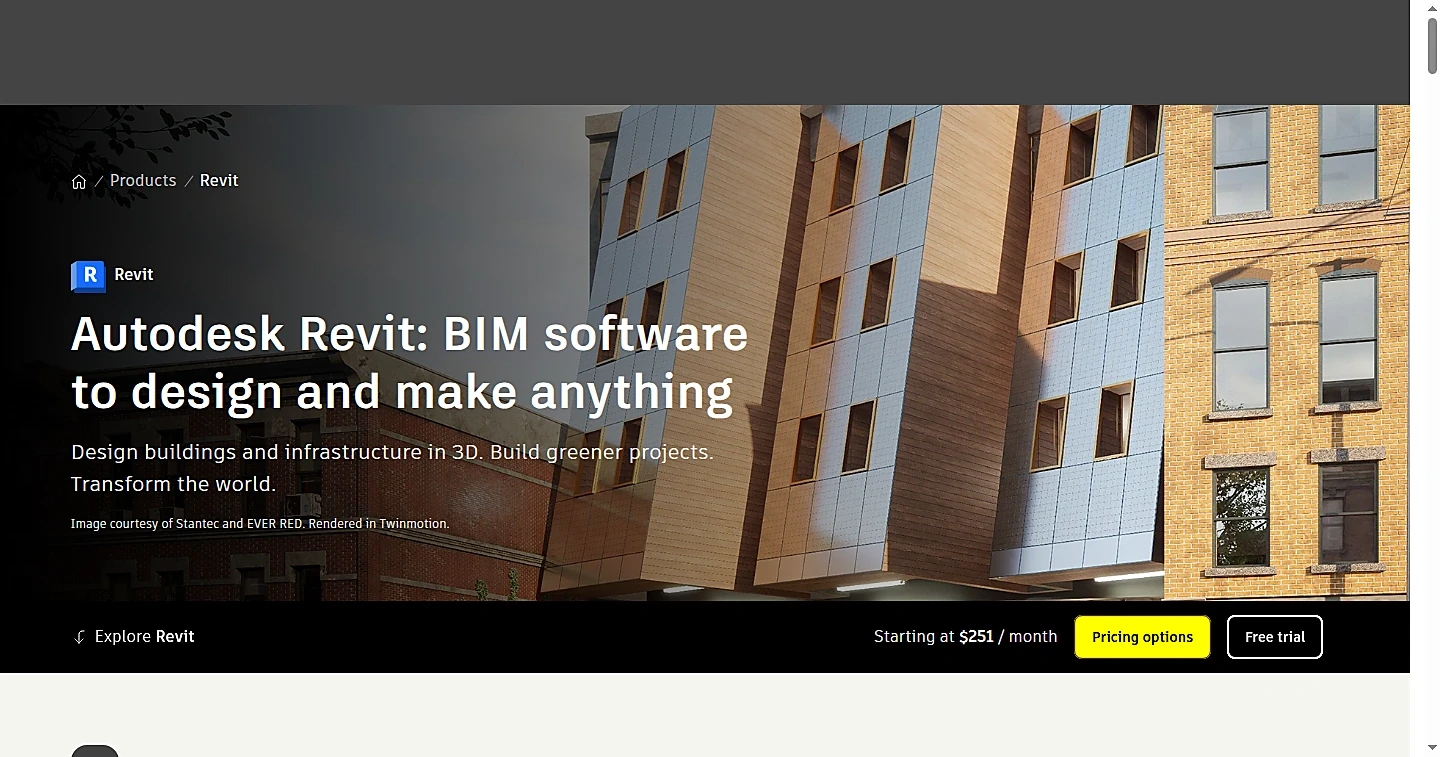
Revit is Autodesk's BIM platform and the usual industry standard for full architectural documentation. It is a very different tool from SketchUp, so it makes sense only if your work has outgrown quick massing models. For teams coordinating digital plans and markups with contractors, our guide to Bluebeam alternatives explains how PDF workflows pair with Revit BIM outputs.
- Where it stands out: Coordinated plans, sections, schedules, and models in one system.
- The real catch: It costs far more than any other option here and is heavy for early concept sketches. It is Windows only.
- Pick it if: You deliver permit or construction documents regularly.
- Verified pricing (November 2026): $380 per month, $3,005 per year, or $9,020 for a three-year term.
Free Alternatives to SketchUp: What "Free" Really Means
Free comes with strings attached. The table below shows the terms that matter most when you pick a free SketchUp alternative.
| Tool | Free terms | Main limit |
|---|---|---|
| Blender | Open source, no fee, commercial use allowed | Learning curve |
| FreeCAD | Open source, no fee | Interface and workflow complexity |
| Sweet Home 3D | Open source, free even for commercial use | Interior focus |
| Autodesk Fusion | Free for personal use under $1,000 yearly revenue | Non-commercial only, limited features |
| Tinkercad | Free browser app | Basic tools, Autodesk terms apply |
| Shapr3D Free | Free tier | Project cap, confirm commercial terms |
Software Like SketchUp: What a Switch Really Costs
This estimate uses published list prices for one user over three years. It covers the license only, with no renderer, plugins, or training.
| Tool | Three-year estimate | How it is calculated |
|---|---|---|
| Blender, FreeCAD, Sweet Home 3D, Tinkercad | $0 | Free |
| Rhino 8 | $995 | One-time license, optional upgrade not included |
| Shapr3D Pro | About $897 | $299 per year times 3 |
| SketchUp Pro | $1,197 | $399 per year times 3 |
| Autodesk Fusion (paid) | About $2,040 | About $680 per year times 3 |
| SketchUp Studio | About $2,457 to $2,577 | About $819 to $859 per year times 3 |
| Revit | $9,020 | Three-year term price |
These are estimates based on published prices, and the Fusion and Studio figures depend on sources that disagree slightly, so confirm them on the official sites.
Moving Your Models Out of SketchUp
One thing to know before you cancel: according to at least one switching guide, none of the free tools opens a .skp file natively. Your work lives in a closed format, so export while your subscription is still active.
- Open your key models in SketchUp while your plan is active.
- Export to a common format such as OBJ, DAE, DWG, or IFC. Available formats depend on your plan, so check what yours offers.
- Open the export in your new tool and look for missing textures, flipped faces, or lost components.
- Keep the original .skp files as a backup.
Expect to rebuild some materials and components by hand. If you are calculating material margins or framing takeoffs during remodeling transitions, use our free contractor markup calculator to maintain accurate estimates.
Bottom Line
Pick Blender if you want the best free SketchUp alternative and can invest time learning it. Choose Rhino 8 if you want a one-time purchase for serious modeling. Go with FreeCAD for exact, dimension-driven work, Sweet Home 3D for home layouts, Tinkercad for first projects, and Shapr3D for tablet sketching. Choose Revit only when you need full BIM documentation and can justify the cost.
If you only left SketchUp over price and still love its workflow, compare the paid plans again before moving. A switch costs learning time, not just money. For legal, tax, or licensing questions about commercial use, confirm the terms with each vendor.